Call tracking for contractors: which calls came from Google?
Most contractors can't say how many calls came from Google last month. Here's how to track website calls, Business Profile calls and forms without a big tool.


Ask a roofer how many calls came from Google last month and you'll usually get a guess. "A lot." "Fewer than last year." It's hard to decide what to spend on marketing when the main number is a feeling.
Phone calls are the hardest lead to count, because they don't happen on your website. Here's how calls reach a contractor and how to count each one, starting with the free options.
The four ways a call reaches you
- Someone taps your number on your website. Trackable for free.
- Someone taps "Call" on your Google Business Profile. Google counts these for you.
- Someone sees your number and dials it by hand, from the site, a yard sign or the truck. Only a tracking number catches these.
- A repeat customer calls you from their contacts. Nothing catches these, and that's fine.
Website taps: free, with Google Analytics
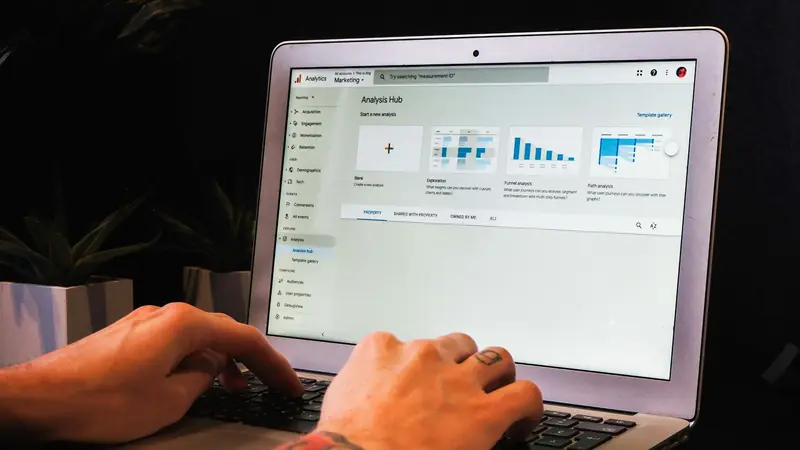
Every phone number on your site should be a tap-to-call link. Then set up Google Analytics 4 and Google Tag Manager to record a click on any of those links as an event, and mark that event as a key event.
That gives you calls from the website by page, by town page, and by the search that brought the person in. It costs nothing but setup time. It's the first thing we set up on any contractor site, along with form submissions and booking links. We wrote about those three events together in the three conversion events every local business should track.
Business Profile calls: already counted
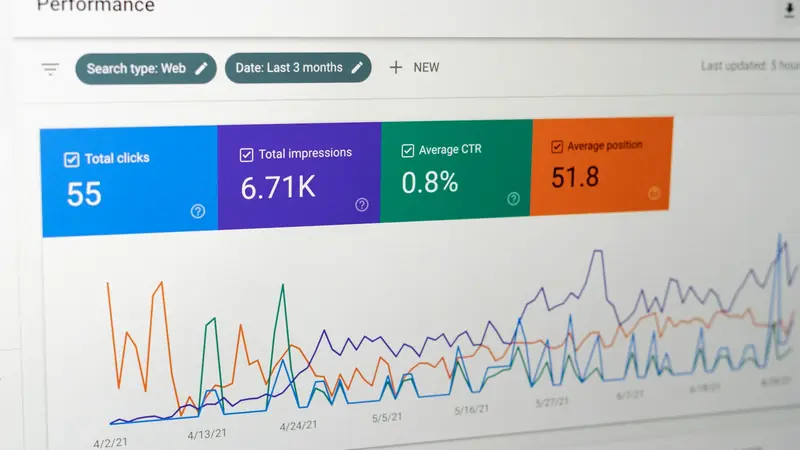
Open your Business Profile, go to Performance, and you'll see calls made from the profile by month. Write that number down every month. It's the map pack's contribution, and for some contractors it's bigger than the website's.
Tracking numbers, for everything else
A call tracking service gives you phone numbers that forward to your real line and log every call: when, how long, and which number was dialed. Most can also swap the number on your website depending on where the visitor came from, so a visitor from Google sees one number and a visitor from Facebook sees another.
For a contractor, a simple setup is:
- one tracking number on the website,
- one on the Google Business Profile,
- your real number everywhere else.
On the profile, the common approach is to put the tracking number in the primary phone field and your real number in the additional phone field. Directories that list your real number still match the profile that way.
If the service offers call recording, check the consent rules in your state first. Some states require everyone on the call to agree to be recorded, and a short announcement at the start covers it.
Count forms properly, too
Quote forms are the other half. Count them when they're actually submitted, not when someone loads the thank-you page, which bots and people refreshing will inflate. And check the form still sends. Forms stop delivering all the time when an email password changes or a plugin updates, and nobody notices until the leads dry up. We wrote about two ways it happens in why a contact form stops sending leads.
What you'll have at the end of the month
One page with four numbers: calls from the website, calls from the profile, calls to the tracking number, and form submissions. Compare it to the jobs you booked and you'll know what search is worth to you, which makes every other marketing decision easier.
If you want this set up, the Setup Sprint on the pricing page includes call and form tracking in GA4. If you'd rather start with a check of what's already there, book a free call.
Frequently asked questions
How do I track phone calls from my contractor website?
Make every phone number on your site a tap-to-call link, then set up Google Analytics 4 and Google Tag Manager to record a click on those links as an event. Mark that event as a key event. It costs nothing but setup time.
Where do I see calls from my Google Business Profile?
Open your Business Profile and go to Performance. It shows calls made from the profile by month, so write that number down every month.
Should I put a tracking number on my Google Business Profile?
The common approach is to put the tracking number in the primary phone field and your real number in the additional phone field. Directories that list your real number still match the profile that way.