Google Search Console for contractors: setup and the reports worth reading
Google Search Console for contractors: how to set it up, the five reports worth checking, and what steady growth looks like, using a clinic's monthly clicks.
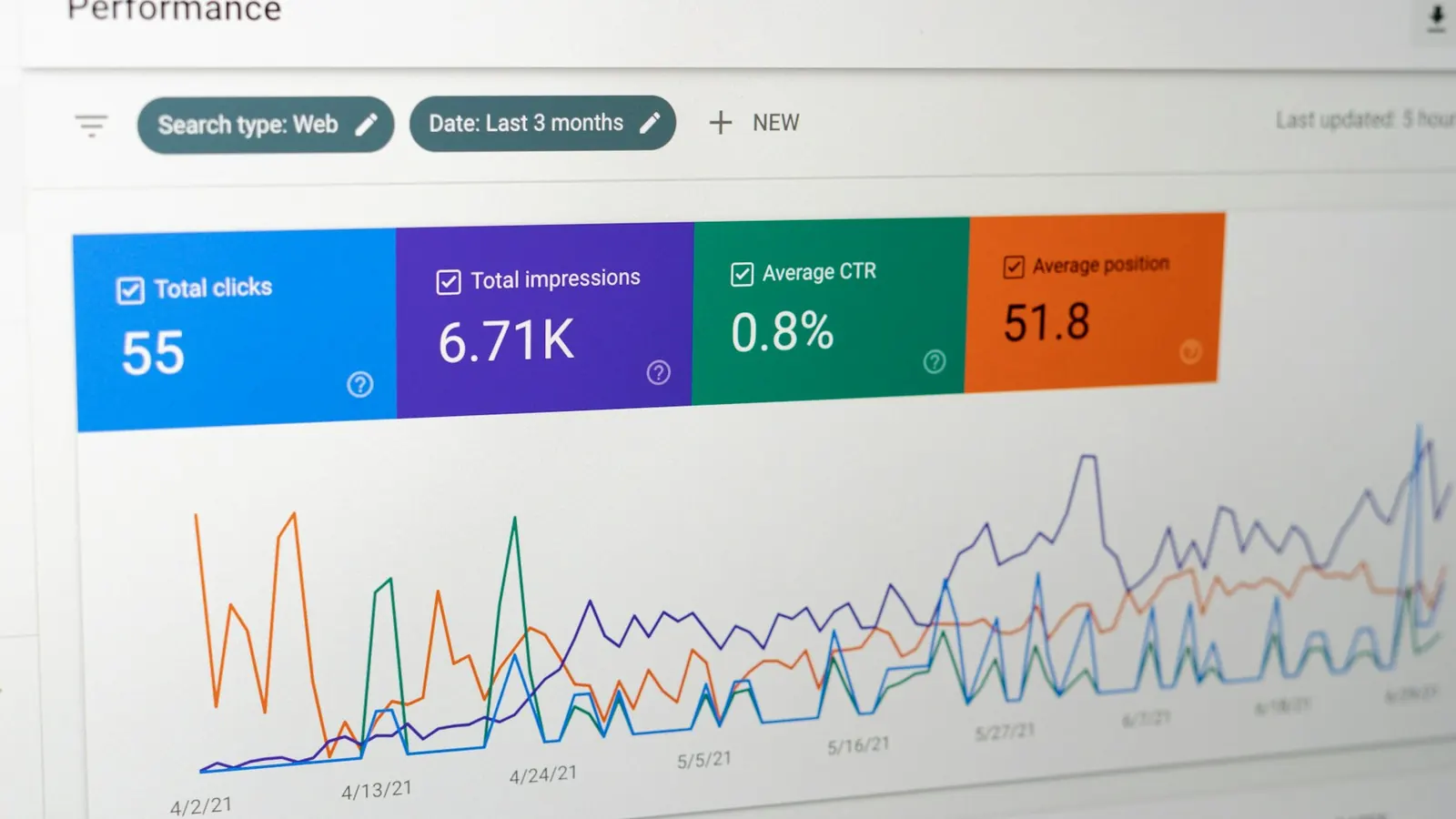
Google Search Console is where Google tells you how your website shows up in its own results. It's free. It shows which searches your pages appeared for, how many people clicked, and whether Google has found a problem with your site. If you pay anyone for SEO, their work should show up here before it shows up anywhere else.
This note covers the setup and the reports to open once it's running.
Setting it up
Go to Search Console and add a property. You get two choices: Domain and URL prefix.
Pick Domain. A domain property covers every version of your site at once, with and without www, on http and https, plus any subdomains. Google gives you a TXT record to add in your DNS settings, usually wherever you bought the domain. Verification can take a few minutes or up to a day.
URL prefix only covers the exact address you type in. It works as a backup, but it can miss data if your site answers on more than one version.
Once you're verified, open Sitemaps in the left menu and submit your sitemap. On most WordPress sites that's /sitemap_index.xml if you use Yoast or Rank Math, or /wp-sitemap.xml on a plain install.
Last step: add whoever handles your SEO under Settings > Users and permissions. Keep yourself as the owner. If you ever change providers, the history stays with you.
The reports that matter
Performance
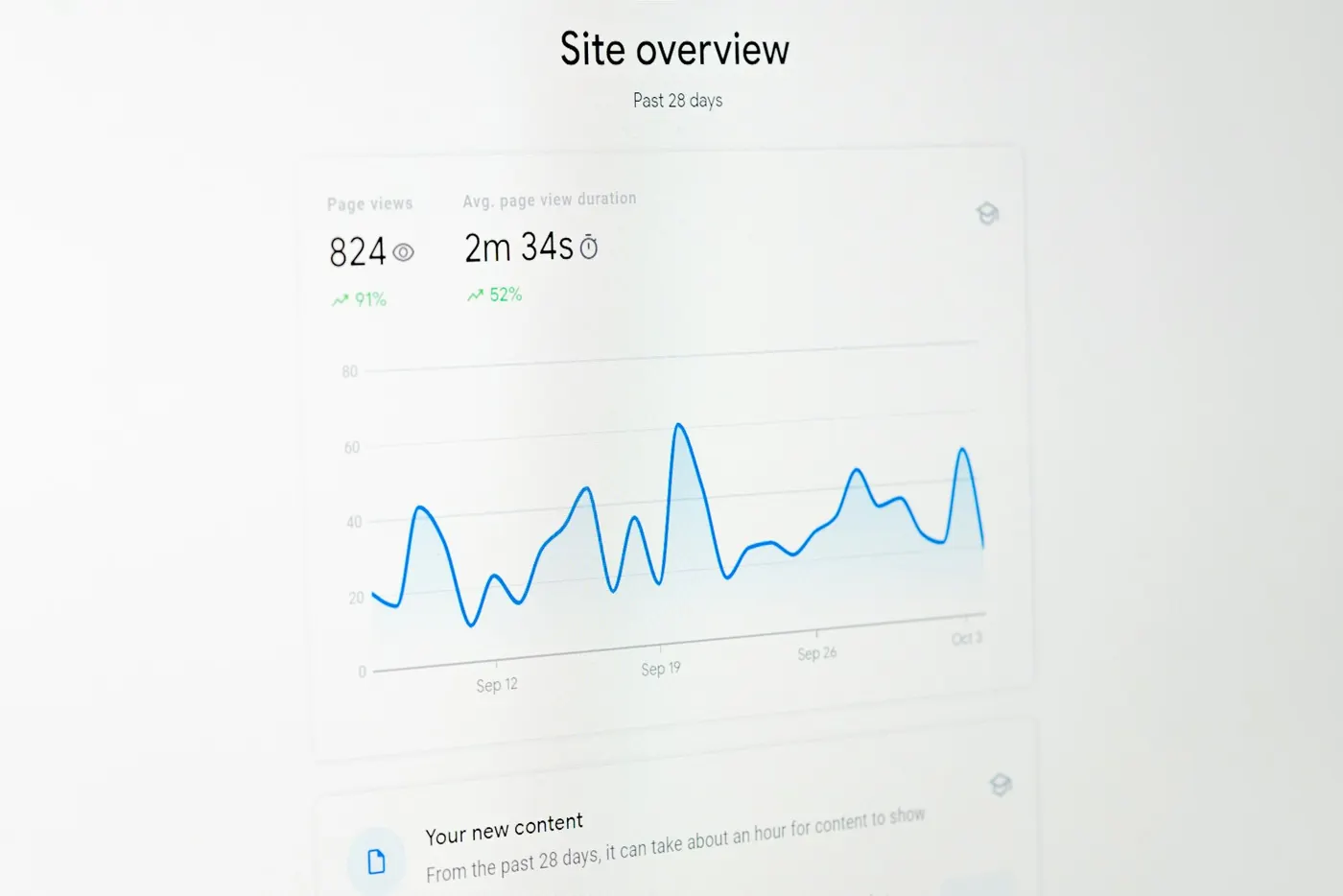
This is the one you'll open most. It shows clicks, impressions, average click-through rate and average position for any date range. Under the chart are tabs. Queries lists the searches you showed up for. Pages shows which of your pages earned those impressions and clicks. Devices splits it between mobile, desktop and tablet.
In the date filter there's a Compare tab. Use it to line up the last three months against the same three months a year earlier. Home service work is seasonal, and a drop from one month to the next can mean nothing more than the weather changed.
Impressions count every time a page appeared in results, even if nobody scrolled down to it. Clicks are the visits. Watch both, and don't get excited about impressions alone. Across three Florida sites we work on, we found 307 searches ranking in Google's top ten with zero clicks between them in a single 28-day window.
Pages (indexing)
Under Indexing > Pages you'll see how many of your pages Google has indexed and the reasons the rest aren't, such as "Crawled, currently not indexed" or "Excluded by 'noindex' tag." A service page in the not-indexed list can't rank for anything. If your site is missing from Google entirely, start with this indexing checklist for contractor websites.
URL Inspection
Paste any URL from your site into the bar at the top. It tells you whether the page is on Google, when it was last crawled, and which version Google picked as the canonical. After you publish or fix a page, click Request indexing. That puts it in the queue. It doesn't promise a date.
Security issues and Manual actions
Both sit under Security & Manual actions, and both should say no issues detected. If either one shows a problem, deal with it before anything else, because a hacked site or a manual action can pull pages out of search. Check them once a month.
What growth looks like in it
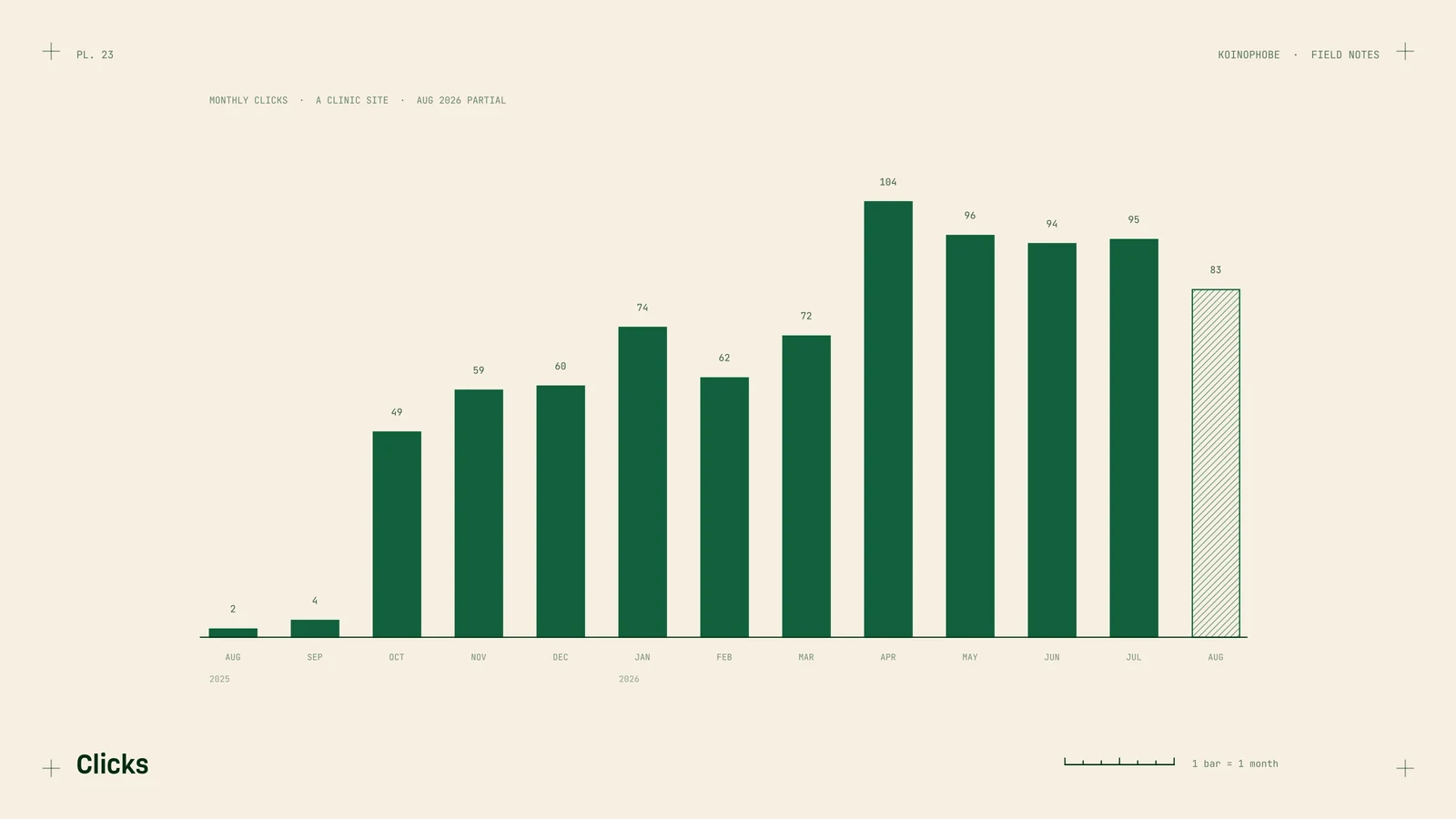
Here's a pain clinic site in Florida we work on through an agency. These are its monthly clicks from the Performance report:
| Month | Clicks |
|---|---|
| August 2025 | 2 |
| September 2025 | 4 |
| October 2025 | 49 |
| November 2025 | 59 |
| December 2025 | 60 |
| January 2026 | 74 |
| February 2026 | 62 |
| March 2026 | 72 |
| April 2026 | 104 |
| May 2026 | 96 |
| June 2026 | 94 |
| July 2026 | 95 |
| August 2026 (partial) | 83 |
The line isn't smooth. January was higher than February, and April was the best month so far. That's normal, and it's the reason to judge a site over several months instead of one.
The Devices tab was more useful. Of the 854 clicks in that table, 678 came from phones, at an 11.3% click-through rate. Desktop sat at about 2%. Most of the people who clicked were on phones, so the mobile page has to load fast and put the phone number where a thumb can reach it. Search Console can't tell you whether those visitors called, though. For that you need call tracking on your website and Business Profile.
Where to start
If you've never opened Search Console, set up the domain property this week, submit your sitemap, and leave it to collect data for a month. Then open Performance and look at Queries and Devices first.
If you'd like someone to read what yours is showing, the Site Audit is on our pricing page, or you can send us your site and we'll reply the same business day.
Frequently asked questions
Is Google Search Console free to use?
Yes. It's a free Google tool. You need a Google account and access to your domain's DNS settings to verify a domain property.
Should I pick a domain or URL prefix property?
Pick a domain property when you can. It covers every version of your site in one place, with and without www and on http or https. You verify it with a TXT record in your DNS.
Who should own my Search Console account?
You should. Add your SEO person as a user under Settings, Users and permissions, and keep ownership yourself so the data stays with you if you change providers.