How to track ChatGPT traffic in GA4 (and Perplexity, Claude and Copilot)
ChatGPT tags its links with utm_source=chatgpt.com, and other assistants show up as referrers. A ten-minute GA4 setup that separates AI assistant visits from everything else, with the regex we use.

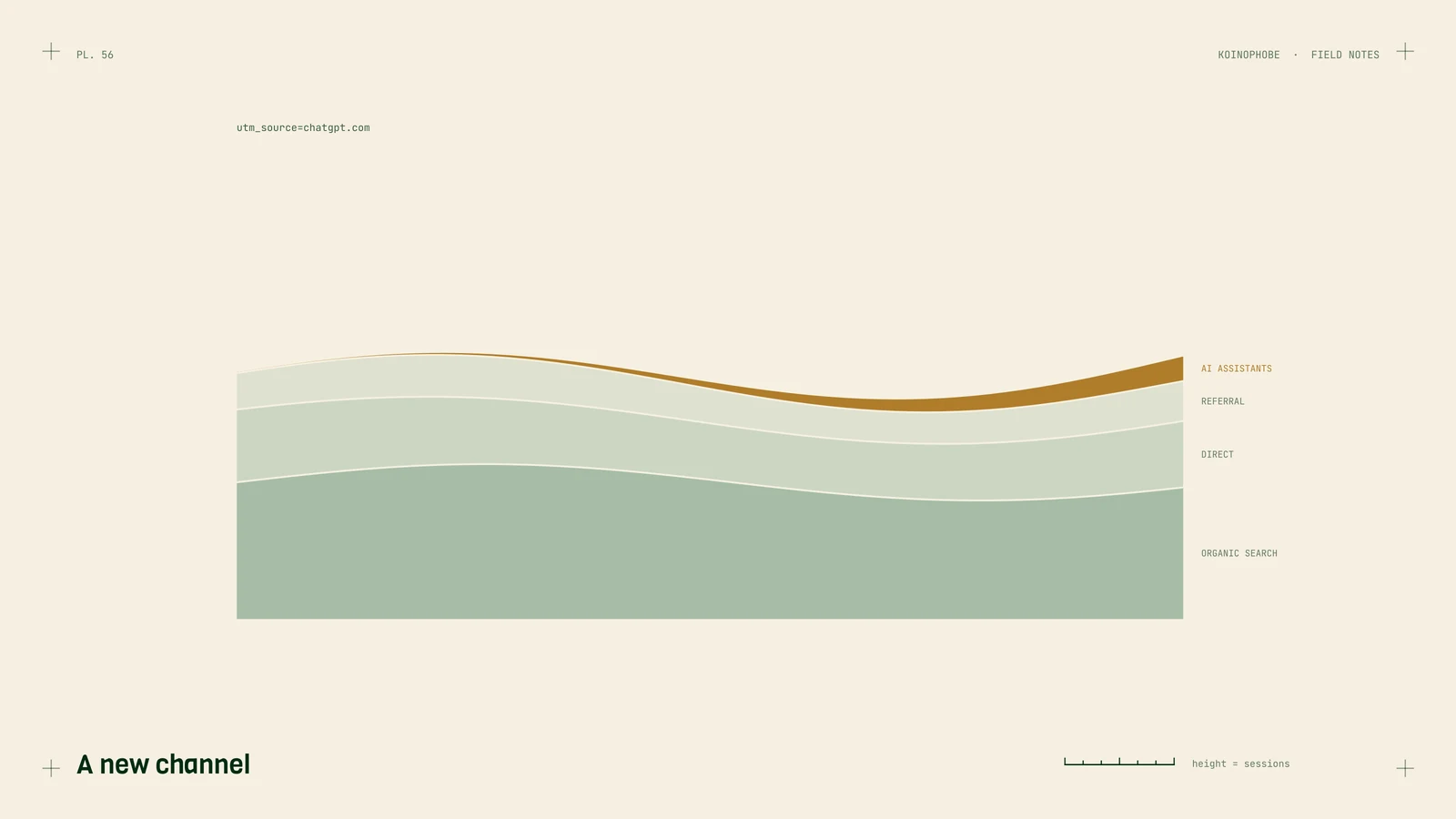
Business owners keep asking whether ChatGPT is sending them customers. You can answer that in Google Analytics 4 in about ten minutes, at least for the visits that click through. Here's the setup we use for clients.
Where AI visits show up
ChatGPT tags its links. OpenAI's publisher FAQ says referral URLs from ChatGPT search automatically include utm_source=chatgpt.com, so those sessions arrive with chatgpt.com as the source. It's the cleanest signal any assistant gives you.
Perplexity, Claude, Copilot and Gemini mostly show up as referrers when the browser passes one: perplexity.ai, claude.ai, copilot.microsoft.com, gemini.google.com. Some visits from apps arrive with no referrer and fall into Direct.
Google's AI Overviews and AI Mode don't show up separately at all. Google counts them as ordinary Google organic traffic, in GA4 and in Search Console. More on that.
Quick check: is any AI traffic arriving?
- In GA4, open Reports, Acquisition, Traffic acquisition.
- Change the table's primary dimension to Session source.
- Type
chatgptin the search box. Then tryperplexity,claude,copilot,gemini.
If you see rows, you have AI visits. Look at their engagement rate and key events next to Google organic. In our experience these visitors tend to arrive with a specific question already answered, so a small number can convert well, but check your own numbers before believing anyone's.
Permanent setup: an AI assistants channel
Rather than searching every time, give AI visits their own channel.
- Go to Admin, Data display, Channel groups.
- Copy the default channel group so you can edit it, and name the copy something like "Channels with AI."
- Add new channel, name it AI assistants.
- Set the condition: Session source matches regex:
.*(chatgpt|openai|perplexity|claude|anthropic|copilot|gemini\.google|bard\.google).*
- Move the AI assistants channel above Referral in the list. GA4 applies channels in order, and if Referral comes first it swallows these visits.
- Save. Then in Traffic acquisition, switch the channel group to your new one.
New data sorts into the channel from then on. Custom channel groups also apply to past data in reports, so you can look back.
Mark the visits that matter
Traffic isn't the goal; calls, forms, bookings and sales are. If you haven't set up key events for those, do that first, or the AI channel will just be a number that goes up and down. We wrote a short guide to the GA4 reports worth reading, and the same events matter for any business.
Then compare: sessions, engaged sessions and key events for AI assistants against Organic Search, monthly.
What GA4 can't tell you
Clicks are the smallest part of AI visibility. A customer who reads ChatGPT's answer, sees your name, and calls you from Google Maps later shows up as a Maps call or a branded search, never as ChatGPT traffic. Plenty of people never click a citation at all.
So pair GA4 with two other measures:
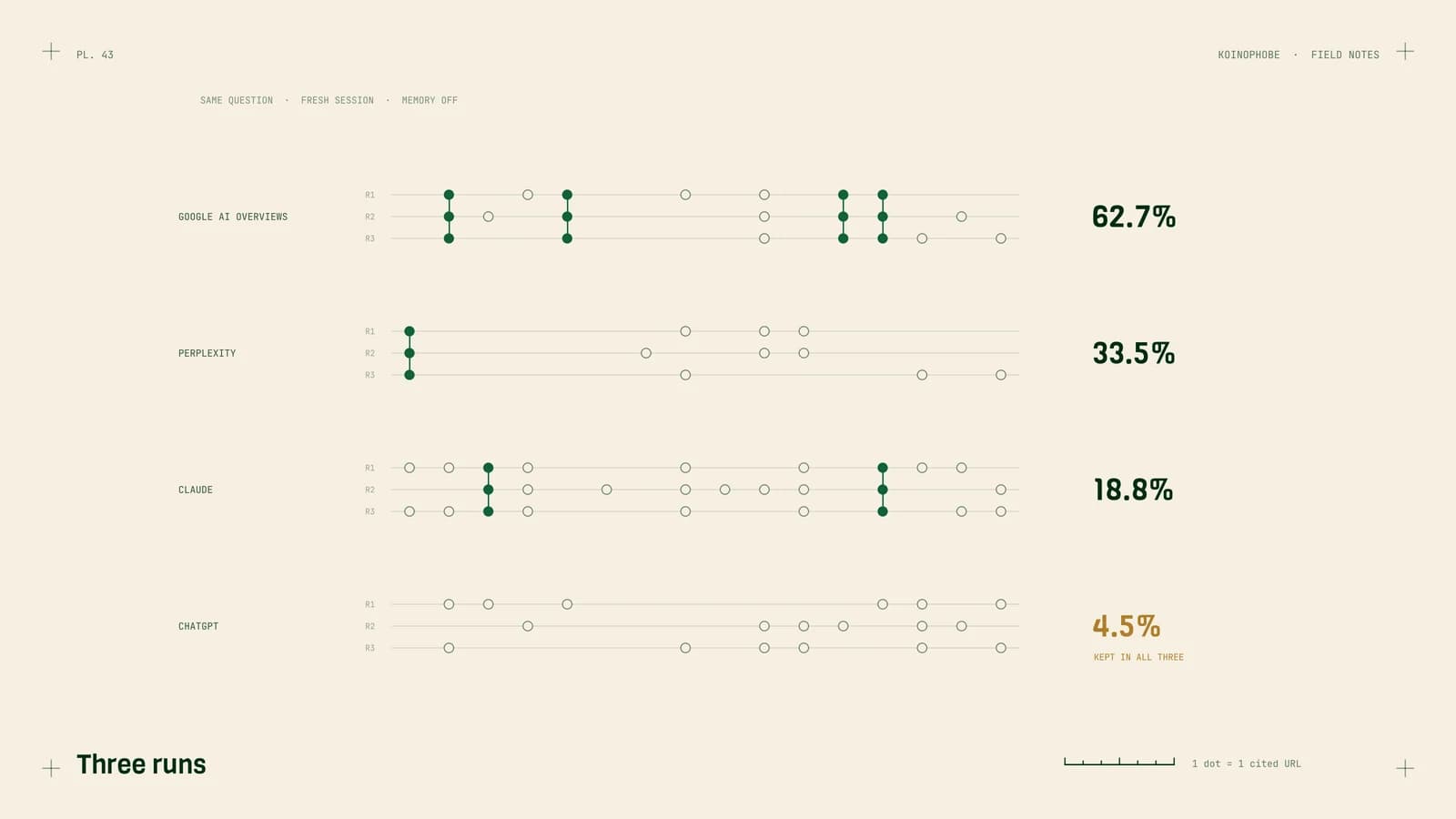
- Whether assistants name you, checked with a fixed list of buyer questions and repeated runs. Our tracking method.
- Citations reported by the platforms. Bing now shows how often Copilot cites your pages in its AI Performance report. It's the first assistant to give site owners that data.
Also ask new customers how they found you, and add "ChatGPT or another AI assistant" as an option on your intake form. It's low-tech and catches what analytics misses.
Next steps
Set up the AI assistants channel today and look at the last 90 days. If you see visits, look at which pages they land on: those are the pages assistants already cite, and they deserve updating first.
If you'd like help reading it, our AI search optimization service sets up this tracking, measures the answers themselves monthly, and builds the pages that get cited. $1,000 a month, no contract.
Frequently asked questions
How do I see ChatGPT traffic in Google Analytics 4?
OpenAI adds utm_source=chatgpt.com to links clicked in ChatGPT search, so those visits show up with chatgpt.com as the session source. In GA4, open Reports, Acquisition, Traffic acquisition, switch the dimension to Session source and filter for chatgpt.
Can I track traffic from Perplexity, Claude and Copilot too?
Yes, when the visitor's browser passes a referrer. They appear as sources such as perplexity.ai, claude.ai and copilot.microsoft.com. A custom channel group with a regex for these domains puts them in one AI assistants channel.
Why is my AI traffic in GA4 so low?
Partly because it is still small for most sites, and partly because some visits arrive without a referrer and land in Direct. Many people also read the answer and never click. Track mentions in the answers themselves alongside the clicks.