Why your contractor website isn't showing up on Google
Search your company and your site isn't there? Work through these checks in order, from the WordPress setting that hides you to pages Google never indexed.

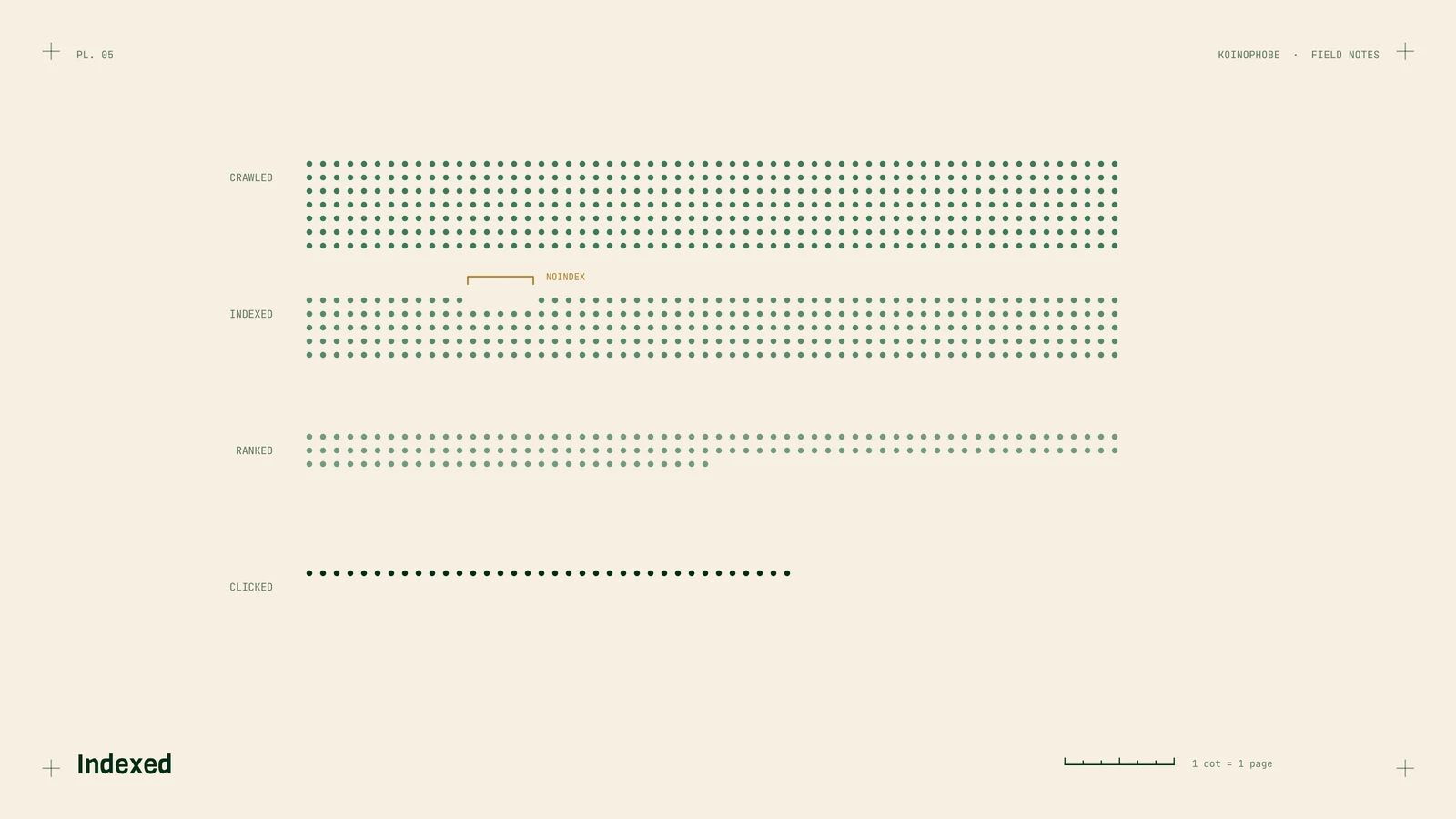
You search for your own company, or for "roof repair" in your town, and your website isn't there. Before you pay anyone, work through these checks in order. The first few take a minute each and catch most of the problems we see.
1. Check whether Google has your site at all
Search Google for site:yourdomain.com, with your real domain and no spaces.
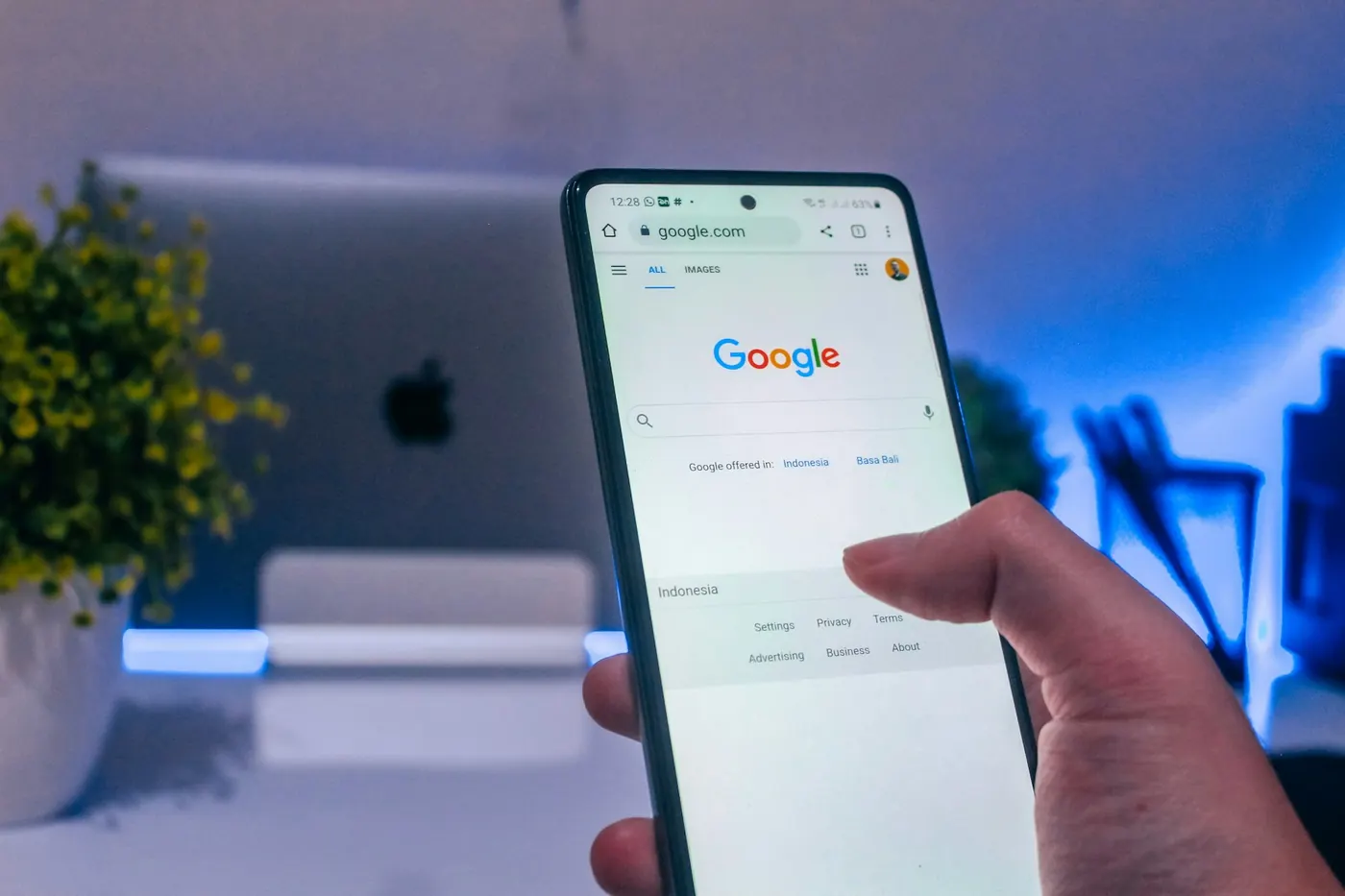
- No results: Google hasn't indexed the site. Keep going down this list.
- Results, but not the page you expected: that page isn't indexed. Jump to check 4.
- Plenty of results: the site is indexed and the problem is ranking. Jump to check 6.
2. The WordPress checkbox
In WordPress, go to Settings > Reading and look for "Discourage search engines from indexing this site." Developers tick it while building a site and forget to untick it at launch. If it's ticked, untick it and save.
3. Get Search Console set up
Google Search Console is free, and it's the only place Google tells you directly what it thinks of your site. Add your domain, verify it, and submit your sitemap (on most WordPress sites it's /sitemap_index.xml or /wp-sitemap.xml).
If the site is new, give it a few weeks. Google doesn't index a new domain overnight.
4. Inspect the page that's missing
In Search Console, paste the page's address into the search bar at the top. This is the URL Inspection tool. It tells you whether the page is indexed, and if not, why. The common answers:
- "Excluded by 'noindex' tag": an SEO plugin setting is telling Google to skip the page. Check the page's settings in Yoast, Rank Math or AIOSEO.
- "Blocked by robots.txt": a file on your site is telling Google not to crawl it.
- "Crawled, currently not indexed": Google saw the page and decided it wasn't worth indexing. Usually thin content or a near copy of another page.
- "Duplicate, Google chose different canonical": Google thinks another page is the main version.
Fix the cause, then click Request indexing.
5. Look for copied town pages
If you have twenty town pages that read the same with the name swapped, Google will often index a few and ignore the rest. That's the "crawled, currently not indexed" pattern. The fix is fewer, better pages. We wrote about how in service area pages for roofers.
6. You're indexed but not ranking
Now the question is whether the page deserves to rank for what you searched.
- Does the page say what you do and where? If your homepage says "Quality Service You Can Trust" and never says "roof replacement in Titusville", Google has to guess.
- Are you checking from the right place? Local results change by location. Search from a phone in your service area, or use Search Console's Performance report, which shows where you actually rank.
- Is the map pack covering it? For "roofer near me" style searches, the map pack takes the top of the page. That's decided by your Google Business Profile, not your website.
7. Check for a hack
If traffic suddenly drops, or Search Console shows searches that have nothing to do with your business, like gambling or pharmacy terms, someone may have injected spam into your site. Search Console's Security Issues and Manual Actions reports are the first places to look, followed by a site: search for pages you don't recognize.
Still missing?
If you've been through all of this and the site is indexed but buried, the problem is usually content and links, and that takes more than a checklist. The Site Audit goes through all of the above and gives you a ranked list of what to fix. Or book a free call and we'll look before we talk.
Frequently asked questions
How do I check if Google has indexed my website?
Search Google for site:yourdomain.com with your real domain and no spaces. No results means Google hasn't indexed the site. Plenty of results means the site is indexed and the problem is ranking.
Can a WordPress setting hide my site from Google?
Yes. In WordPress, go to Settings > Reading and look for 'Discourage search engines from indexing this site.' Developers tick it while building a site and forget to untick it at launch, so untick it and save.
What does 'crawled, currently not indexed' mean?
Google saw the page and decided it wasn't worth indexing. It's usually thin content or a near copy of another page, like town pages that read the same with the name swapped. The fix is fewer, better pages.