Why did my website traffic drop? A 30-minute diagnosis
Before you panic or pay anyone, spend 30 minutes finding out what kind of drop it is. The order we check things in: broken tracking, seasonality, which pages fell, indexing, recent site changes, Google updates and AI Overviews, mostly using Google's own debugging steps.

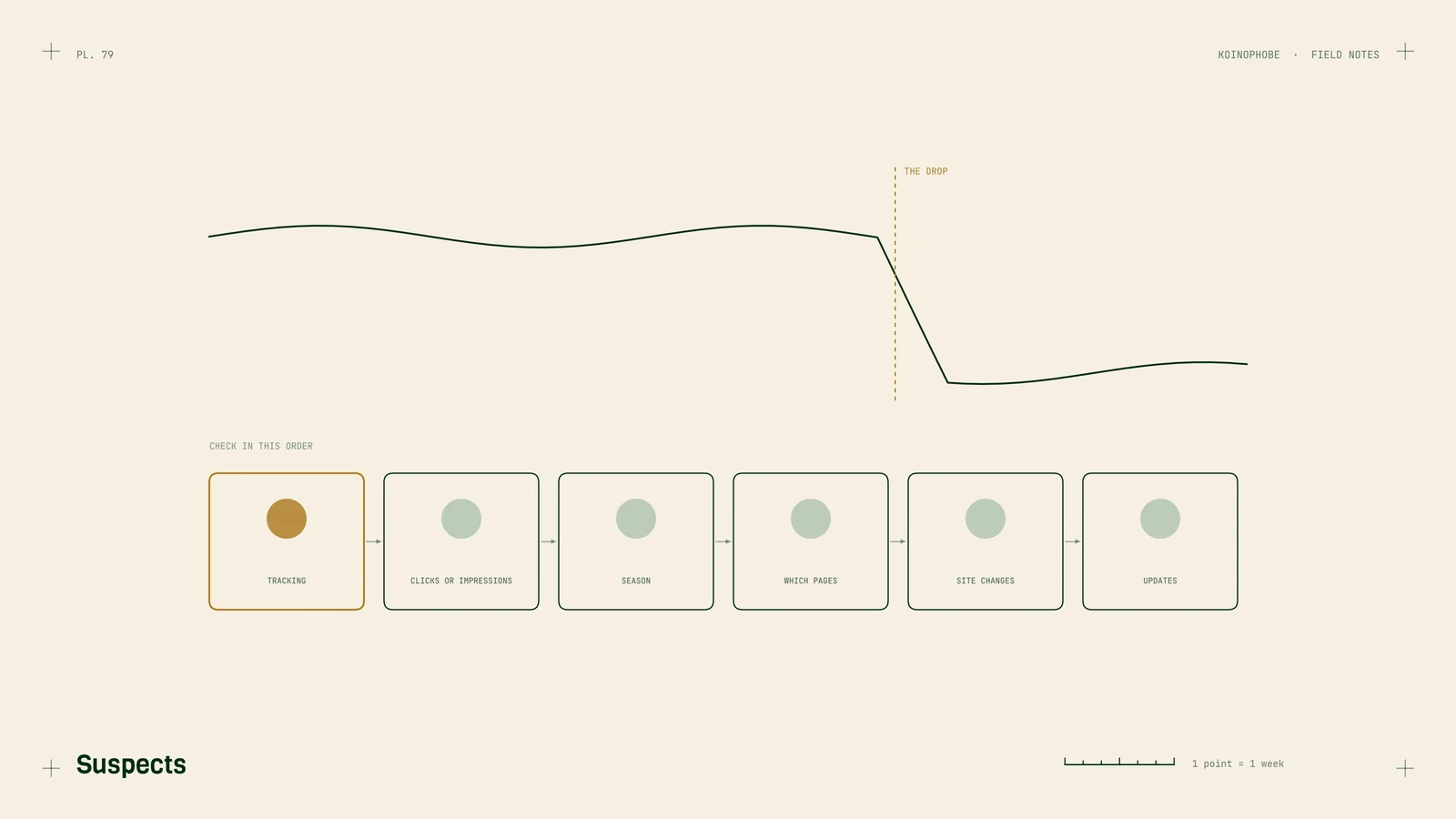
A traffic drop feels like an emergency, and that's when people make expensive decisions: a new agency, a rebuilt site, a pile of new content. Spend 30 minutes first finding out what kind of drop it is. Most have a cause you can see in reports you already have.
This is the order we check things in. A lot of it comes from Google's own guide to debugging traffic drops.
1. Is the traffic gone, or the tracking?
Open Google Search Console's Performance report and look at clicks over the same period as the drop in your analytics.
If Search Console shows steady clicks while GA4 shows a cliff, your traffic is fine and your tracking broke. This is common after a redesign, a theme change or a new cookie banner that blocks the tag until people click Accept. Check that the GA4 tag fires on every page.
Google also suggests checking Search Console's data anomalies page in case the drop is a reporting problem on its end.
2. Did impressions fall, or only clicks?
On the Performance report, turn on both Total clicks and Total impressions.
- Both fell: you're showing up less. Keep going down this list.
- Impressions steady, clicks down: you're showing up as often but fewer people click. Google's advice is to look at your titles and snippets and at what competitors show in the results. More searches being answered on the page itself, by AI Overviews or other features, also looks like this. AI Overviews and your traffic drop shows how to tell, and ranking but no clicks covers the title fix.
3. Is it seasonal?
Set the date range to Last 16 months and look for the same dip a year ago. Roofers, pool companies and shutter installers all have strong seasons, and so do a lot of other businesses. Then use the Compare tab to put the last three months next to the same three months last year.
Google also suggests checking your main queries in Google Trends. If searches for your service fell everywhere, the drop isn't about your site.

4. Which pages fell?
In the Compare view, open the Pages tab and sort by Clicks Difference. This is the step that usually tells you the most.
- One or two pages: look at those pages. Did someone edit them, change the URL, or add
noindex? Did a competitor publish something better? - A whole section: check whether those URLs show up in the Page indexing report under "Why pages aren't indexed."
- Everything, evenly: look at site-wide causes below.
5. Did anything change on the site?
Ask whoever touches the site what changed around the date of the drop. The usual answers:
- A redesign or new platform with old URLs that no longer redirect. It's the first thing we check after a sudden site-wide drop. Redesign without losing rankings covers the fix.
- A robots.txt change or a
noindexleft on from a staging site. - A domain or HTTPS change without redirects.
Search Console's Crawl stats report can confirm it: a spike in errors or redirects around the same date is a strong clue.
6. Security, spam or an update?
Check Security issues and Manual actions in Search Console. Both should say no issues detected. If either doesn't, that's your answer, and the report tells you what to fix.
Then compare the drop date with Google's Search Status Dashboard, which lists core updates and other ranking updates. Google says a drop after an update "doesn't necessarily mean" your content is flawed. If you changed nothing and the timing matches, review your important pages honestly: are they the best answer for the search? Google suggests waiting a few weeks after making changes before judging them, since some effects take months to appear.
Where to start
Do steps 1 and 4 today. Those two narrow most drops down quickly. If you can't find the cause, or you find it and want help fixing it, our Site Audit on the pricing page covers all of this in five business days, and what is technical SEO explains the basics behind each check.
Frequently asked questions
Why did my website traffic suddenly drop?
The common causes are broken analytics tracking, seasonal demand, a redesign or migration that changed URLs, pages dropping out of Google's index, a Google algorithm update, security or spam issues, and more searches being answered on the results page. Search Console's Performance report usually shows which one within a few minutes.
How do I check if a Google update caused my traffic drop?
Compare the date your clicks fell with the dates on Google's Search Status Dashboard. If the drop lines up with a core update and you made no site changes, Google says it doesn't necessarily mean anything is wrong with your content, and it recommends reviewing your content against its helpful content guidance.
How long does it take for traffic to recover after a drop?
It depends on the cause. Fixed tracking shows up immediately. Fixed redirects or indexing issues usually recover over weeks as Google recrawls. Drops from algorithm updates can take months, and Google says some changes take that long to show in Search Console.