Google Business Profile setup for roofing companies
How to set up a Google Business Profile for a roofing company: category, service areas, address rules, phone tracking and photos, so the map sends you calls.
When someone searches "roofer near me", the first thing they see is usually the map with three businesses under it. Those three get most of the calls. Your Google Business Profile decides whether you're one of them.
Most roofing profiles we look at were set up once, years ago, and never touched again. Here's how we set one up now.
Pick the right primary category
Your primary category tells Google what you are. For most roofers it's Roofing contractor. Don't pick "General contractor" because you also do the odd remodel. The primary category carries the most weight, so it should be the work you want the most calls for.
Add secondary categories only for work you actually sell, for example siding or gutters if you install them. Check what the top three roofers in your area use: search for them on Google Maps and the category shows under the name.
Hide your address if customers don't come to you
If you work from a home office or a yard customers never visit, Google's rules say to remove the address and set a service area instead. Showing a home address that customers never visit can get a profile suspended.

Google's own limits for service areas:
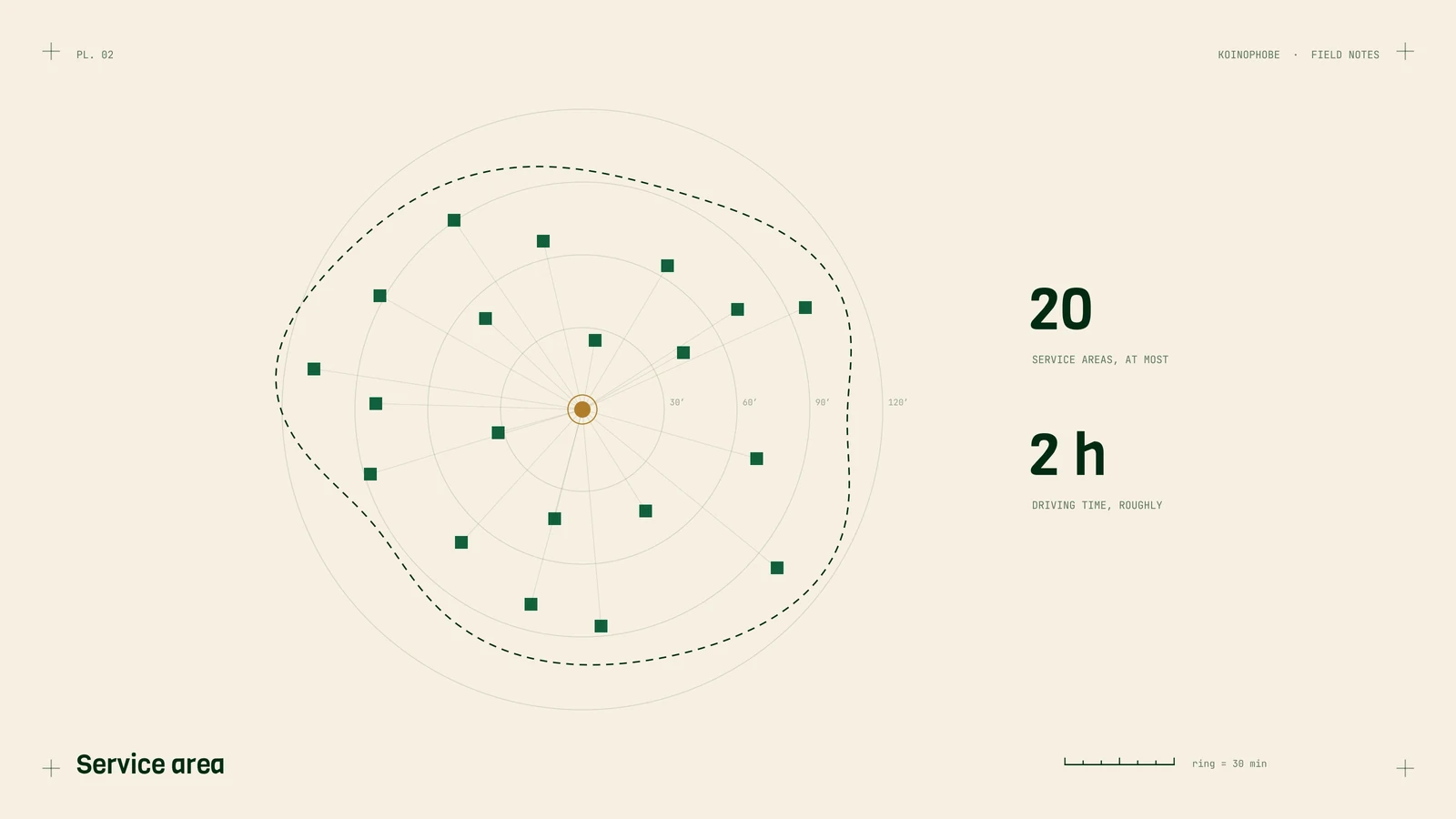
- Up to 20 service areas, entered as cities, ZIP codes or counties. No radius.
- About 2 hours of driving from where you're based, at most.
List the towns where you do the most jobs and want more. Twenty is a ceiling, and a tight, accurate list beats a county-wide sprawl. Keep the list the same as the towns you have service area pages for on your website, so the two agree.
Use your real business name
The name on the profile should be the name on your truck, your invoices and your sign. Adding "Best Roofer Melbourne FL" to it breaks Google's guidelines, and competitors do report it. It's an easy way to get knocked off the map.
Fill in services, in your customers' words
Under Services, list each job separately: roof replacement, roof repair, leak repair, storm damage inspection, emergency tarping, gutter installation. Add a one or two sentence description to each. Use the words people search with, which are usually plainer than the words contractors use.
Phone number and call tracking
If you want to know how many calls come from the profile, you can use a tracking number. The common approach is to put the tracking number in the primary phone field and your main business number in the additional phone field, so directories that list your main number still match.
Whatever you choose, use one main number everywhere else: your website, Yelp, the BBB, your truck. We wrote more about this in call tracking for contractors.
Link to the right page, with tracking
The website link doesn't have to be your homepage. If the profile serves one city, link to that city's page. Add tracking to the link so Google Analytics can tell profile visits apart from regular search, for example:
https://yoursite.com/?utm_source=google&utm_medium=organic&utm_campaign=gbp
Then make sure the page they land on lets them act. One roofing site we work on ranks in the top three for a search about booking an inspection. It showed up 143 times in four weeks and got no clicks. The page had no way to book online.
Photos of real jobs
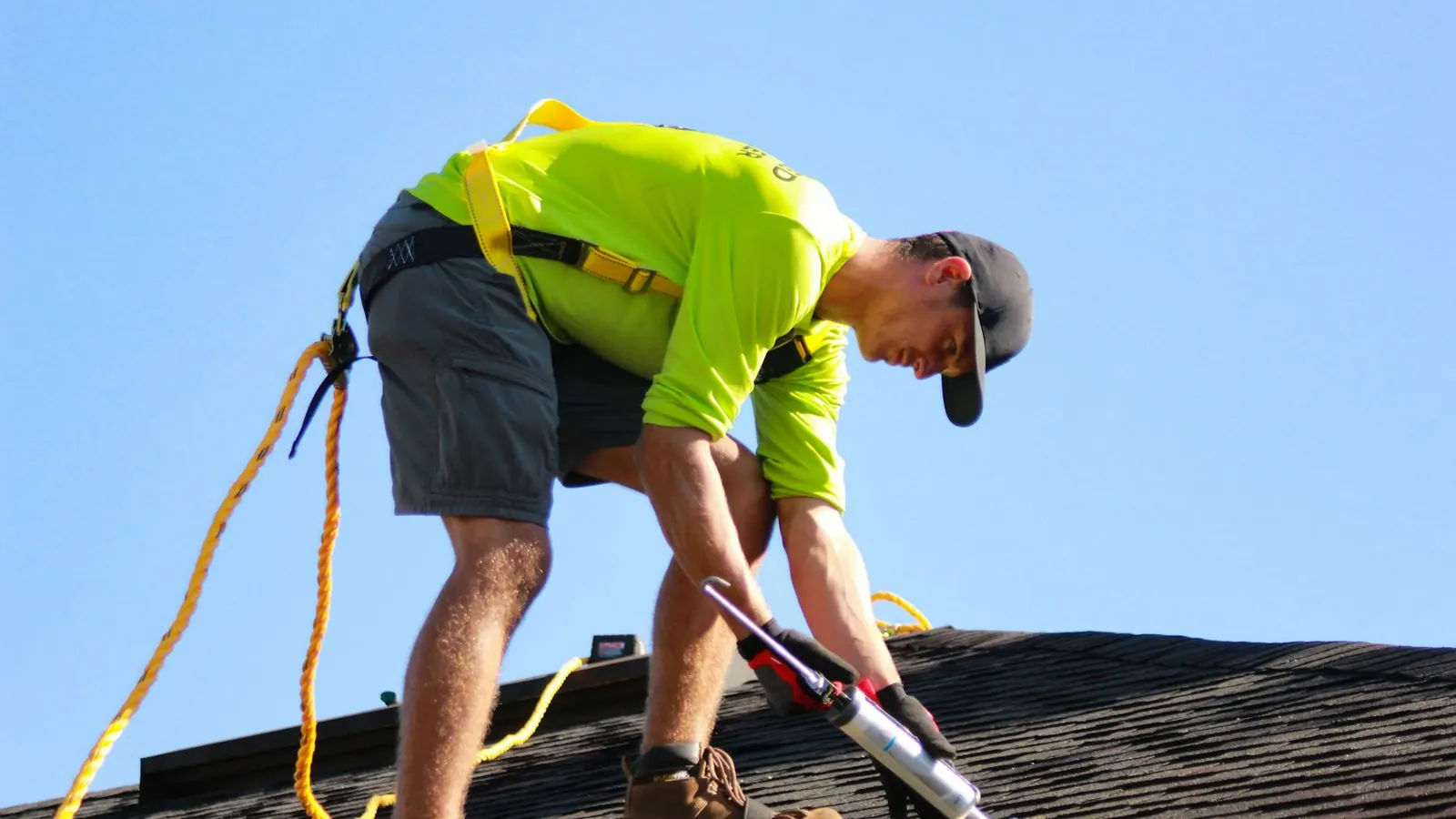
Upload photos from actual jobs: the crew on a roof, before and after, the truck at a house. Stock photos don't help. Add a few every month so the profile looks active.
Reviews
Reviews are the other half of ranking on the map. Ask every customer, reply to every review, and stay inside Google's rules on incentives. We covered how in getting more Google reviews as a roofer.
The ten-minute check
Open your profile and check: primary category, address hidden or shown correctly, service areas, real name, services filled in, website link going to the right page, photos added in the last month. If any of those are off, fix them today. Most take a minute.
If you'd like us to go through it with you, the Site Audit covers the profile and the website together. More on how we work with roofers is on the roofing SEO page.
Frequently asked questions
What category should a roofer use on Google Business Profile?
For most roofers it's Roofing contractor. The primary category carries the most weight, so it should be the work you want the most calls for. Add secondary categories only for work you actually sell.
Should a roofing company hide its address on Google?
If customers never visit your home office or yard, Google's rules say to remove the address and set a service area instead. Showing a home address that customers never visit can get a profile suspended.
How many service areas can I add to my Business Profile?
Up to 20, entered as cities, ZIP codes or counties, with no radius, and about 2 hours of driving from where you're based at most. Twenty is a ceiling, so list the towns where you do the most jobs and want more.