How to submit a sitemap to Google Search Console and Bing
A ten-minute job that most small business sites skip. Where to find your sitemap on the common platforms, how to submit it to Google Search Console and Bing Webmaster Tools, what the statuses mean, and how to fix a sitemap Google couldn't fetch.

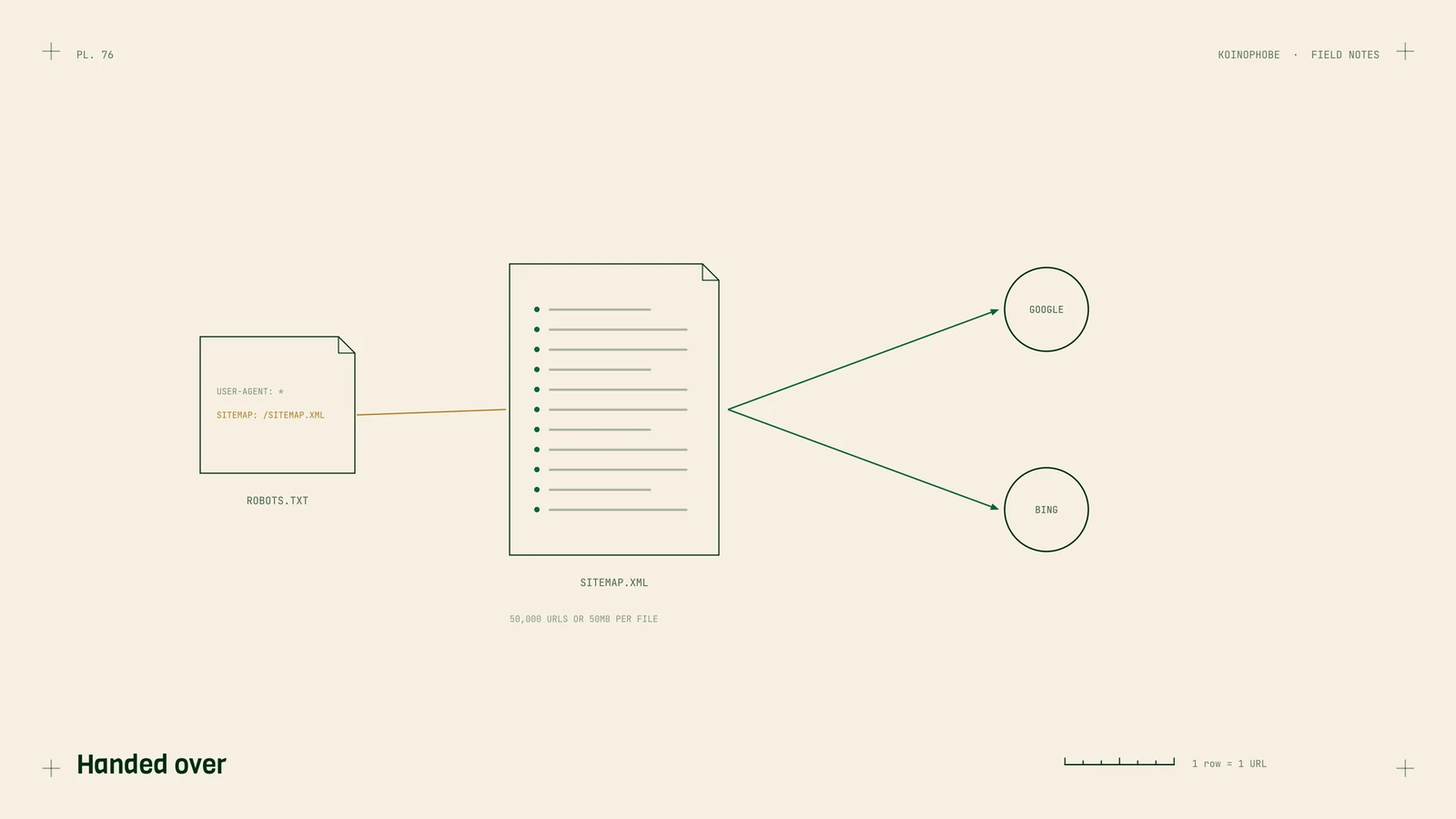
A sitemap is a list of the pages on your site that you want search engines to know about. Submitting it takes ten minutes, and it's one of the first things we check on a new client's Search Console. A surprising number of small business sites never did it.
It won't get pages indexed by itself. Google calls a sitemap submission "merely a hint." It does help Google find new pages faster, and the Sitemaps report tells you when something's wrong.
Find your sitemap URL
Most platforms make one for you. Open these in your browser to check:
| Platform | Sitemap URL |
|---|---|
| WordPress (built in) | yourdomain.com/wp-sitemap.xml |
| WordPress with Yoast or a similar plugin | yourdomain.com/sitemap_index.xml |
| Shopify | yourdomain.com/sitemap.xml |
| Wix | yourdomain.com/sitemap.xml |
| Squarespace | yourdomain.com/sitemap.xml |
| Next.js App Router | yourdomain.com/sitemap.xml, from app/sitemap.ts |
If you see a page of URLs or a list of smaller sitemaps, that's it. If you get a 404, check your SEO plugin's settings, or see our Next.js checklist if you're on a custom build.
Submit it to Google
- Open Google Search Console and pick your property.
- Go to Indexing, Sitemaps.
- Type the sitemap URL into the Add a new sitemap box and click Submit.
Within a day or two the table should show Success and a count of discovered pages. If you use a sitemap index, submit the index and Google reads the sitemaps inside it.
Also add one line to your robots.txt file, anywhere in the file:
Sitemap: https://yourdomain.com/sitemap.xml
Google and Bing both read it, and it's how other crawlers find your sitemap without being told.

Submit it to Bing
Bing's index feeds Microsoft Copilot, so it's worth the extra five minutes.
- Sign in to Bing Webmaster Tools.
- If your site is in Google Search Console, choose the option to import it. Bing copies the verification and sitemaps over.
- Otherwise, add the site, verify it, then go to Sitemaps and submit the URL.
Bing also supports IndexNow, a way for your site to notify search engines the moment a page changes. Many SEO plugins and CDNs can turn it on for you. While you're in Bing Webmaster Tools, the AI Performance report shows when Copilot cites your pages.
What the statuses mean
- Success. Google read the sitemap. It doesn't mean every URL in it is indexed; check the Page indexing report for that.
- Has errors. Google read it but found problems, such as invalid dates or URLs on a different domain. Click the sitemap to see the details.
- Couldn't fetch. Google couldn't download it. On new properties this sometimes clears on its own within a few days. If it doesn't, check that the URL loads in a browser, isn't blocked in robots.txt, returns a 200 status without redirecting, and serves XML rather than an HTML page.
Keep it clean
A sitemap should only list pages you want in search results. Google's rules and our own checks come down to this:
- Only indexable, canonical URLs that return a 200 status. No redirects, 404s or
noindexpages. A messy sitemap is a common reason for discovered, currently not indexed pages. - Accurate
lastmoddates. Google uses them only when they're "consistently and verifiably" accurate. Update them when the content changes. A new copyright year doesn't count. - Skip
priorityandchangefreq. Google ignores both. - Stay under the limits. 50,000 URLs or 50MB uncompressed per sitemap. Split anything larger.
There's no need to ping Google when your sitemap changes. Google retired its sitemap ping endpoint after announcing the change in June 2023. It rereads sitemaps it already knows about.
Where to start
Open your sitemap URL now, then check the Sitemaps report in Search Console. If there's nothing submitted, submit it and add the robots.txt line. Our Search Console guide covers the rest of the setup, and what is technical SEO covers the other basics. If you'd like it all checked at once, that's our Site Audit on the pricing page.
Frequently asked questions
How do I submit a sitemap to Google?
In Google Search Console, open Indexing, then Sitemaps, type your sitemap's URL in the box at the top and click Submit. You can also add a Sitemap line with the full URL to your robots.txt file, which Google and Bing both read.
Where is my website's sitemap?
WordPress creates one at /wp-sitemap.xml, and SEO plugins such as Yoast use /sitemap_index.xml instead. Shopify, Wix and Squarespace generate /sitemap.xml automatically. On Next.js, app/sitemap.ts serves /sitemap.xml.
Does submitting a sitemap get my pages indexed?
It helps Google find them, but it doesn't guarantee anything. Google calls a sitemap submission a hint. Pages still need to be crawlable, useful and linked from the rest of your site to be indexed.