How to do an SEO audit yourself: a one-afternoon checklist
You can find most of what's holding a small business site back in one afternoon with free tools. The checklist we'd give a business owner: indexing, technical basics, your pages, your Business Profile, tracking and AI crawler access, with what good looks like for each.

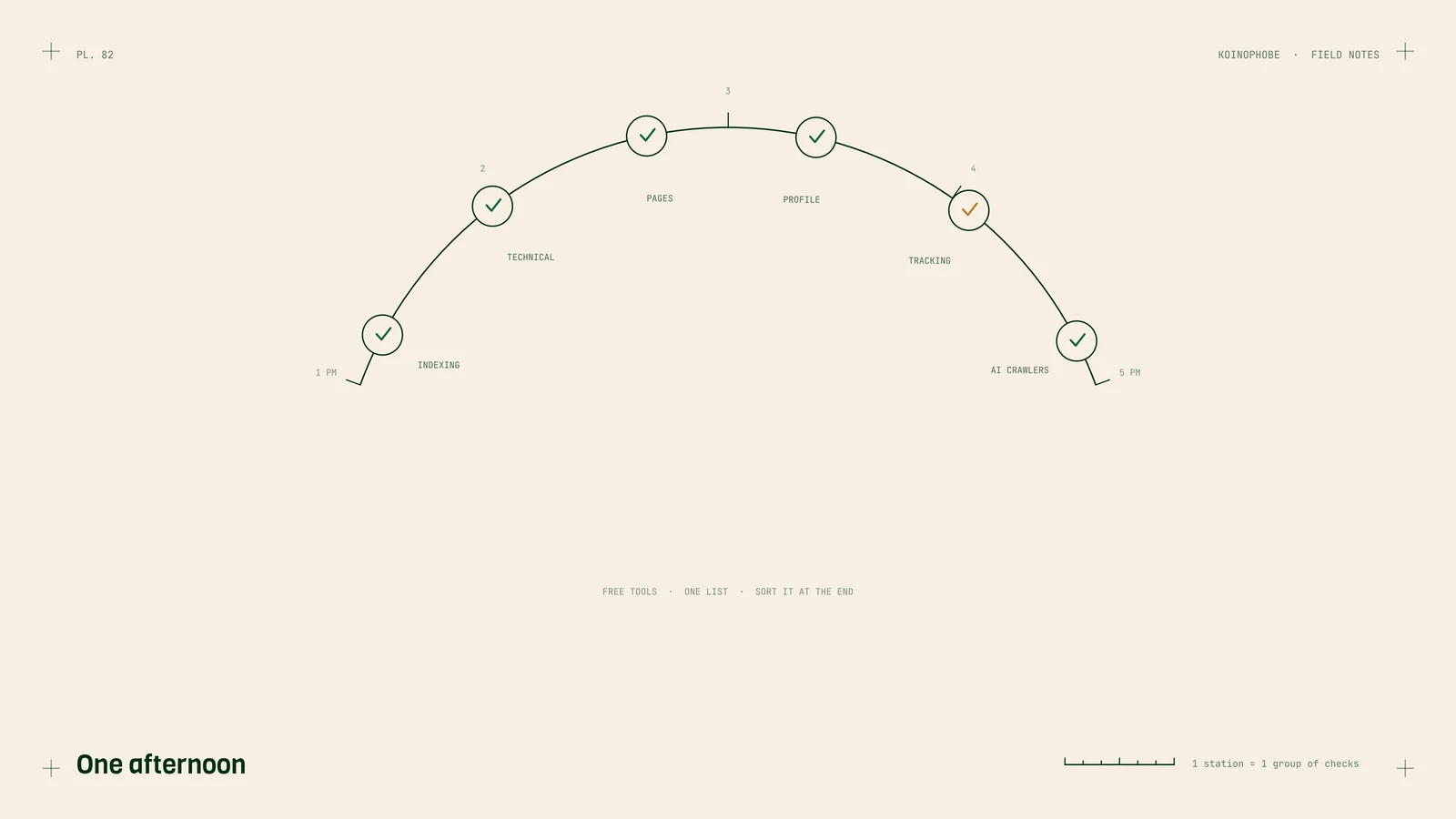
Most problems that hold back a small business website can be found in one afternoon with free tools. You need Google Search Console, a browser, your phone and a list.
This is the list we'd give a business owner. For each check, there's what to do and what good looks like. Write down everything that fails, then sort the list at the end.
Indexing: is Google keeping your pages?
Search site:yourdomain.com on Google. Good: your homepage and every main service page show up.
Open Search Console, Indexing, Pages. Read the reasons under "Why pages aren't indexed." Good: none of your money pages are listed. If some are, these notes explain the common statuses:
- Crawled, currently not indexed
- Discovered, currently not indexed
- Duplicate, Google chose different canonical
Check Indexing, Sitemaps. Good: a sitemap is submitted and shows Success. How to submit one.
Technical basics
Open yourdomain.com/robots.txt. Good: no Disallow line blocks pages you want found.
Type every version of your domain: http://, https://, with and without www. Good: all of them land on the same version in one step.
Try an old URL from before your last redesign, if you know one. Good: it redirects to the matching new page, not the homepage or a 404.
Run your homepage and main service page through PageSpeed Insights on mobile. Look at the field data at the top if there is any. Good: Core Web Vitals pass. What they measure.
Check Security issues and Manual actions in Search Console. Good: both say no issues.
Your pages
Read the title tag of each main page (it's the blue headline in Google results). Good: it names the service and your main town, and it's under about 60 characters. If you rank but get few clicks, the title is the first thing to fix. Ranking but no clicks shows how.
Check that each service has its own page. Good: one page per main service, with real detail, photos from your jobs and a call button near the top.
Look for near-duplicates. Town pages or service pages that say the same thing with a word swapped. Good: each page has something true and specific to it.
Check your internal links. Good: your homepage links to every main service page, and service pages link to each other where it makes sense.

Your Google Business Profile
Business name. Good: your real name, no keywords added.
Primary category. Good: the most specific one for your main work. Choosing categories.
Address and service areas. Good: address hidden if customers don't visit you, service areas where you take jobs. Service area businesses.
Hours, phone and website link. Good: correct, and the link goes to the right page.
Recent reviews. Good: new reviews coming in every month, with replies.
Tracking: are calls and forms being counted?
Submit a test lead through every form. Good: it arrives within a minute. In July 2026 we found a client's forms had been failing since March because of an email setting, and nobody noticed for four months.
Tap the phone number on your site from your phone. Good: it dials.
Open GA4 and check key events. Good: form submissions and phone taps are marked as key events and show recent numbers. The three events every local business should track covers the setup.
AI crawler access
Run the free AI crawler check. Good: Google's, OpenAI's, Anthropic's and Perplexity's search crawlers are allowed, and your homepage text shows up without JavaScript. Some CDN and firewall settings block AI crawlers without the site owner knowing, and sites built as a single React app often show crawlers an empty page; JavaScript SEO for React sites covers that case. Can ChatGPT read your site? explains the fixes.
Sort what you found
Put each failed check into one of three groups:
- Fix now: anything stopping leads (broken forms, a phone number that doesn't dial, pages missing from Google, blocked crawlers).
- Fix this month: titles, duplicate pages, profile settings.
- Fix when you can: speed improvements and nice-to-haves.
Then work from the top.
When to get help
If your list is short and the fixes are clear, you may not need anyone. If it's long, or the problems are technical (redirects, canonicals, rendering), that's where an audit pays for itself. Our Site Audit is $750, delivered in five business days, ranked by what affects calls, and credited in full if you start a monthly plan within 30 days. It's on the pricing page, and what is technical SEO covers the background for the checks above.
Frequently asked questions
Can I do an SEO audit myself?
Yes, for a small site. Google Search Console, a browser and your phone cover most of it. You'll find indexing problems, broken redirects, weak titles, profile issues and tracking gaps yourself. What's harder without experience is deciding which problems matter most and fixing the technical ones.
What free tools do I need for an SEO audit?
Google Search Console for indexing and search data, Google Analytics 4 for conversions, PageSpeed Insights for speed, your Google Business Profile dashboard, and a browser for checking pages and robots.txt.
How often should a small business audit its website?
Once a year, and after any big change: a redesign, a new platform, a domain change or a new developer. Check that your forms and call tracking work every month, since those break quietly.