How we build a flat roof repair page from job photos
How to build a flat roof repair page from your own job photos: compressing, naming and converting images, what goes on the page, alt text and links.
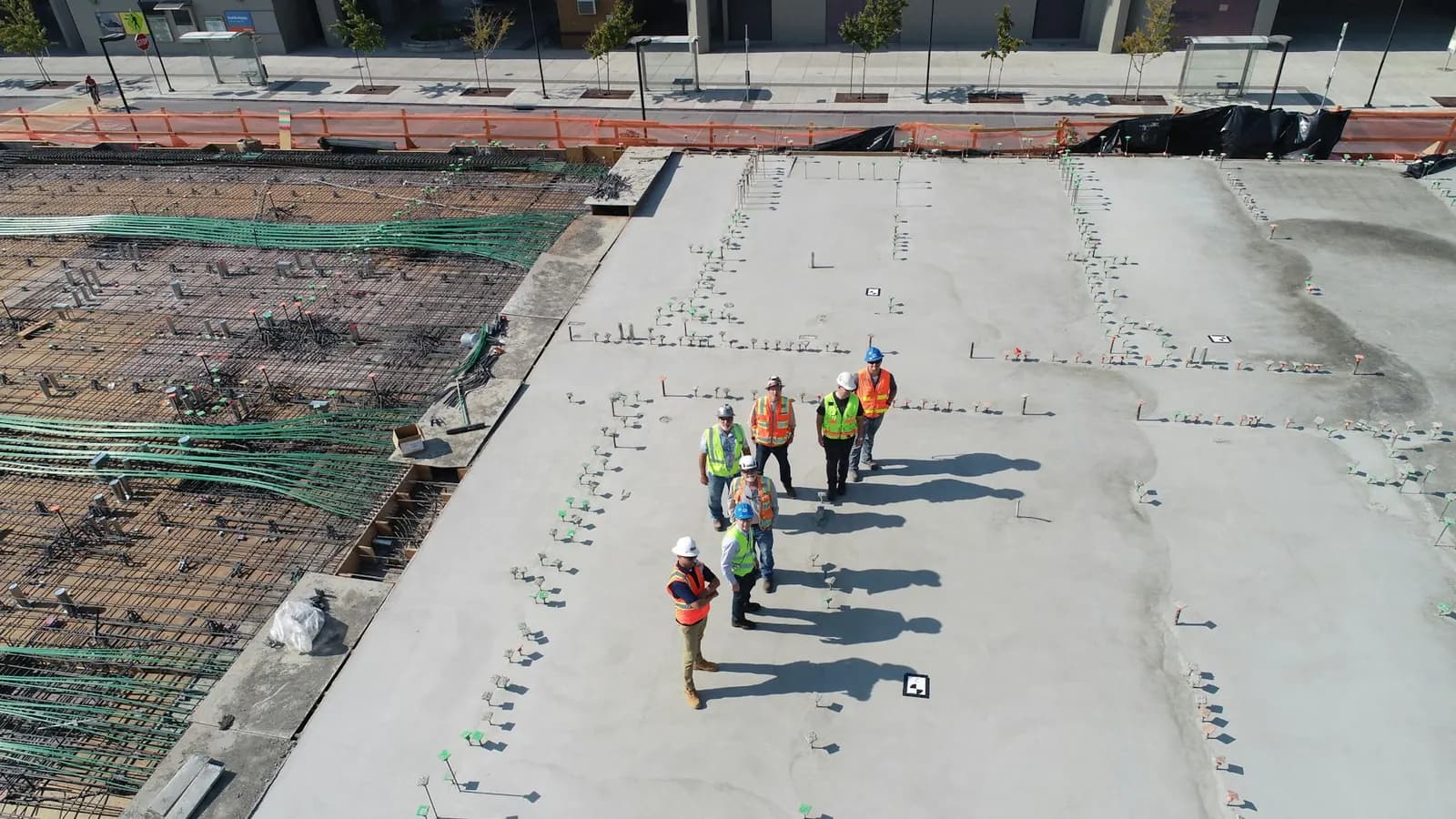

In July 2026 we built a flat roof repair page for a roofing client from their own job photos. We compressed the photos, renamed them, added metadata, converted them to WebP, built the page around them and linked it with the main services page.
None of that needs special software or a big budget. Here's the same build as steps any roofer or office manager can follow.
Start with photos you already have
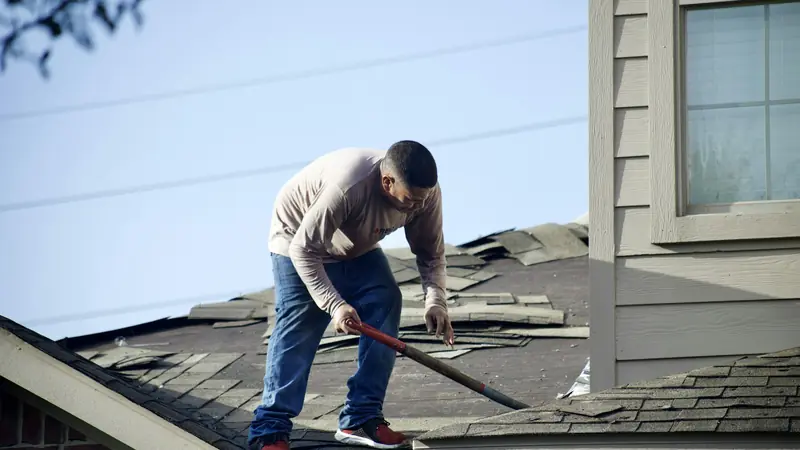
Start with the photos on your phone. Go through the last few months of flat roof work and pull the shots that show something specific: ponding water, a split seam, blistering, a leak around a vent or an HVAC curb, then the same spot finished. Before and after pairs of the same area are the strongest.
Skip blurry shots and photos where a customer's house number or face is visible.
Compress and resize
Phone photos are often several megabytes each. A page with a dozen of those loads slowly on a phone, which is where a lot of homeowners will see it. Resize each image to about 1200 pixels wide. That's plenty for a content image on most sites.
For scale, our own site photos went from about 3 MB JPEGs to 93 to 200 KB WebP files at 1200 pixels. Our note on image optimization for contractor websites covers the tools.
Rename every file before upload
Camera file names like IMG_4471.jpg describe nothing. Rename each file with plain words, separated by hyphens, in lowercase. A simple pattern:
flat-roof-repair-[what it shows]-[before or after].webp
So flat-roof-repair-ponding-before.webp and flat-roof-repair-ponding-after.webp. If the photo is from a town you serve, you can add the town, as long as it's true.
Add metadata, then convert to WebP
Fill in the title and description fields so each file stays labeled, including in your own media library a year from now. Then convert to WebP. Most image tools and many WordPress plugins can do the conversion. Check a couple of files afterward to be sure they still look sharp.
What goes on the page
Write it for a building owner or homeowner with water coming through a flat roof. In order:
- The problems you fix. Ponding, split seams, blisters, flashing failures, leaks around penetrations. Use the words customers use on the phone.
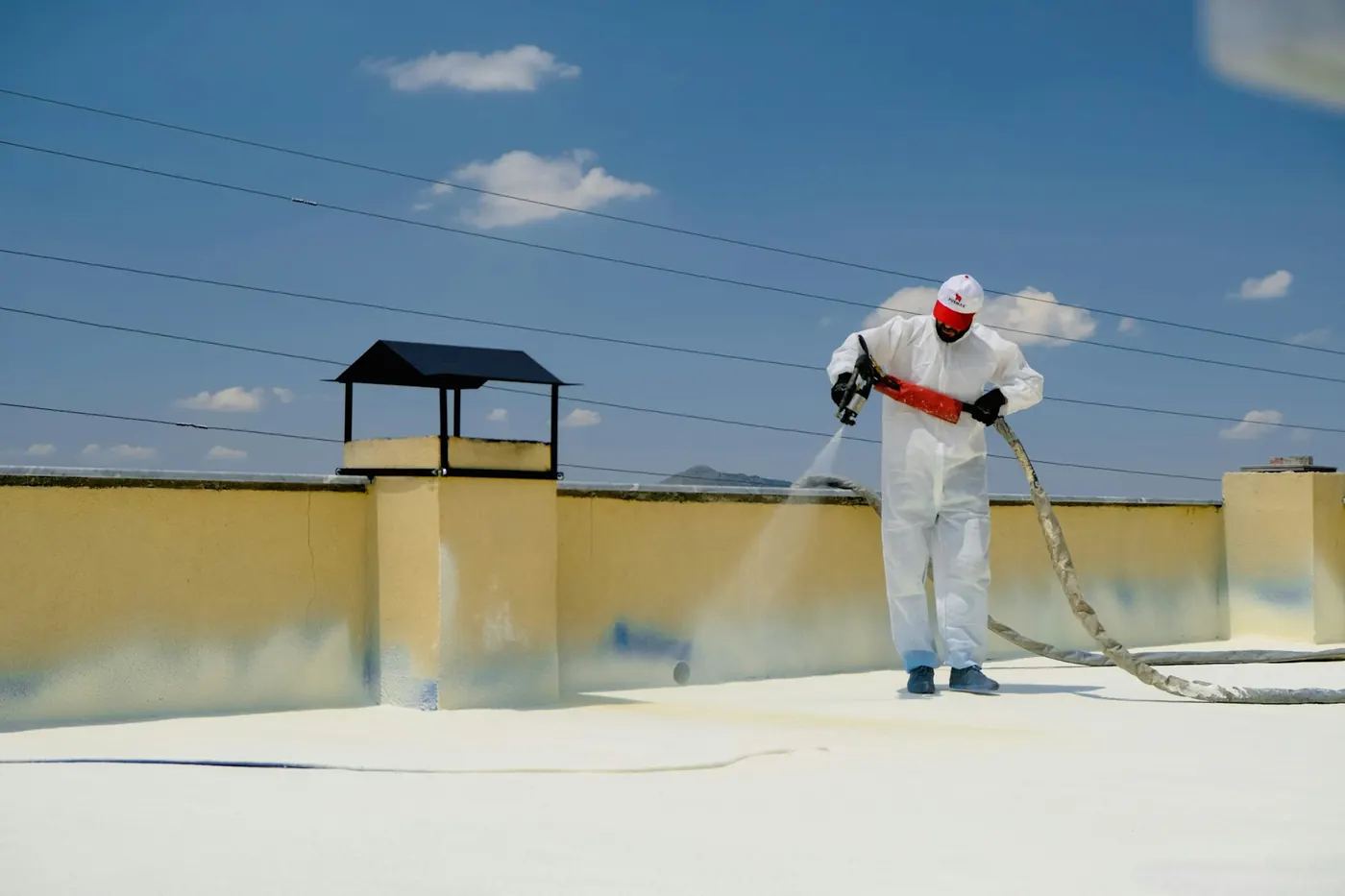
- The systems you work on. Modified bitumen, TPO, EPDM, built-up, coatings. List only the ones your crews handle.
- Repair, recoat or replace. When a repair is enough and when it isn't. Link to your replacement page from here. Our note on the roof replacement page covers that page's layout.
- Your process. Inspection, what you check, how you quote, how long a typical repair takes.
- The photos. Each with a one-line caption saying what the job was.
- Towns you serve, FAQs and a way to book. A tappable phone number and a short form at minimum.
Add Service schema for the page and FAQPage if the questions are on the page. Roofing contractor schema has an example.
Alt text
Alt text is read aloud by screen readers and shown when an image doesn't load. Describe what's in the photo in a short sentence. Standing water on a flat roof near a drain before repair is useful. flat roof repair flat roof repair melbourne best roofer is keyword stuffing and helps nobody.
Internal links
A new page with no links pointing to it is hard for Google and visitors to find. On this build we linked the flat roof page with the main services page. Do the same, then add links from related pages where they fit naturally: your repair page, your replacement page and any article about leaks or storms. Use anchor text that says what the page is, like "flat roof repair," instead of "click here."
Then check that Google can see it. Inspect the new URL in Search Console with URL Inspection and request indexing. After a few weeks, look at which searches it shows for in the Performance report, and check whether those match the roofing keywords you'd want it to win.
If you have job photos sitting in a folder and no page to put them on, send us a note. New service pages are part of the Growth plan on our pricing page.
Frequently asked questions
What should a flat roof repair page include?
The flat roof problems you fix, the systems you work on, when you'd repair versus replace, your process, real job photos with captions, the towns you serve and a way to book.
How should I name job photos for my website?
Rename each file before upload with plain words that describe the photo, separated by hyphens, like flat-roof-repair-ponding-before.webp. Camera names like IMG_4471.jpg tell nobody anything.
What size should roofing photos be on a website?
For most content images, about 1200 pixels wide in WebP is plenty. Our own site photos went from about 3 MB JPEGs to 93 to 200 KB WebP files at that width.