How to track phone clicks with Google Tag Manager and GA4
How to track phone clicks with Google Tag Manager and GA4, step by step, from the tel: link to the key event, plus which calls it will never see.

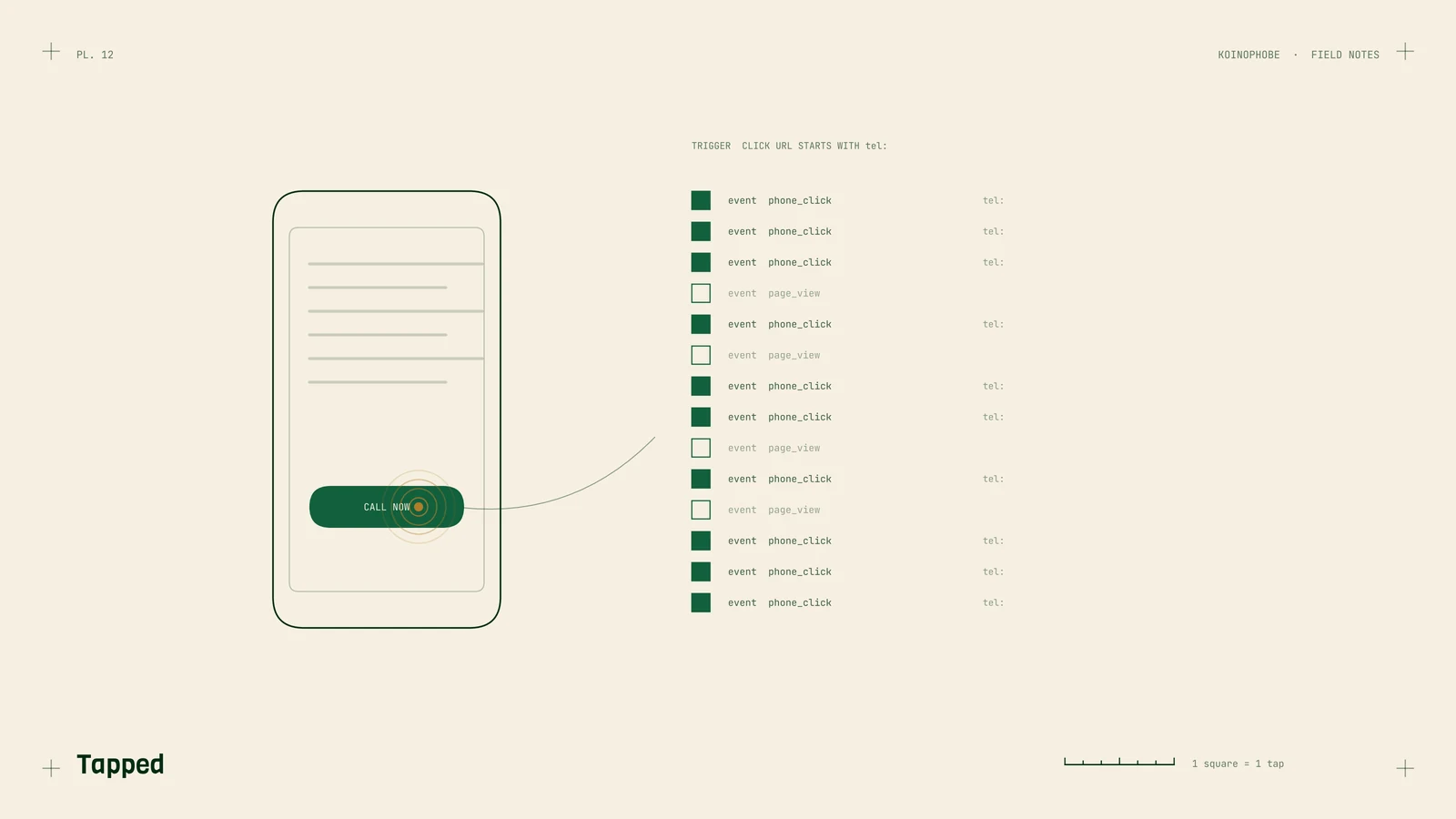
For a roofer or a pool deck company, the phone call is usually the lead. GA4 won't show it unless you set it up. The default install records page views and a handful of automatic events, and a tap on your phone number goes by without a trace.
Here is how we set it up with Google Tag Manager. We're assuming GA4 already runs through Tag Manager on your site.
Step 1: make every number a tel: link
The trigger only sees links. A number typed as plain text, or baked into an image, can't be counted.

Check every place your number appears: the header, the footer, a sticky call bar on mobile, the contact page, service pages, and any "Call now" button. Each one should be a link like this:
<a href="tel:+15555550123">(555) 555-0123</a>
Use the full number with +1 in the link. The visible text can be formatted however you like. In Elementor and most page builders, you type tel:+1 and the number into the button's link field.
Step 2: turn on the Click URL variable
In Tag Manager, open Variables, click Configure under Built-In Variables, and tick Click URL. The trigger in the next step depends on it.
Step 3: create the trigger
Go to Triggers, click New, and pick the trigger type Click - Just Links. Choose "Some Link Clicks" and set the condition to Click URL, starts with, tel:.
Give it a name you'll recognize in a year, like "Link click - phone".
Step 4: create the GA4 event tag
Go to Tags, click New, and choose Google Analytics: GA4 Event. Enter your measurement ID (it starts with G-) or select your Google tag.
For the event name, use phone_click. Stick to lowercase with underscores. GA4 event names are case sensitive, so Phone_Click and phone_click would show up as two separate events.
Add event parameters so the tap carries some context:
page_pathwith the value{{Page Path}}, so you can see which page the tap came fromphone_numberwith the value{{Click URL}}, handy if your site shows more than one number
To use those parameters in reports, register them in GA4 under Admin > Custom definitions as event-scoped custom dimensions.
Set the firing trigger to the one from step 3 and save.
Step 5: test in Preview mode
Click Preview, enter your site's address, and your site opens in a new tab with Tag Assistant connected. Click the phone number. On a desktop, the browser will offer to open a calling app; cancel it.
Back in Tag Assistant, select the Link Click event in the left column. Your phone_click tag should be listed under Tags Fired. If it sits under Tags Not Fired, the condition is off, or the number on that spot is not a real tel: link.
Keep GA4 open in another tab on Realtime or DebugView and you should see phone_click arrive.
Test every location: header, footer, sticky bar, and each button. A builder template sometimes has its own copy of the number that was never linked.
Step 6: publish
Preview changes nothing on the live site. Click Submit, name the version something like "Phone click tracking", and publish.
Step 7: mark it as a key event
In GA4, go to Admin > Events. Once phone_click has been received, it appears in the list, and you can flip the toggle to mark it as a key event. Key events are what GA4 now calls conversions.
That lets you see which pages and sources lead to calls, in Reports > Engagement > Landing page and Reports > Acquisition > Traffic acquisition.
What it counts and what it misses
phone_click counts taps on a number on your website. It doesn't know whether the call connected, how long it lasted, or whether the caller was a homeowner or someone selling ads. One person can tap twice.
It also misses:
- people who read the number and dial it by hand, which happens a lot on desktop
- calls from your Google Business Profile, which happen on Google's side
- calls from a truck wrap or a yard sign
For completed calls, and for hand-dialed calls from your site, you need a call tracking number. That's a separate layer. Taps are still worth having, because they show which pages make people reach for the phone, and they cost nothing to collect.
Phone taps are one of the three events worth tracking on a local business site, along with forms and bookings. Without them, rankings don't tell you much. Tracking setup in GA4 is part of the Setup Sprint on our pricing page. If you'd like us to check what your site records now, send us the address.
Frequently asked questions
Does GA4 track clicks on my phone number by itself?
Don't count on it. Enhanced measurement is built for outbound links and file downloads. Taps on tel: links need their own trigger and tag, which Google Tag Manager handles.
Does a phone click event mean someone called?
No. It means someone tapped the number on your site. They may hang up before it rings, and people who dial the number by hand are not counted at all.
How long until phone_click shows up in GA4?
A test tap shows in Realtime or DebugView within seconds. The Admin > Events list and the standard reports can take up to a day or two.