Plumbing SEO: how to get the 2 a.m. emergency call
Plumbing SEO for emergency calls: Business Profile settings, a service page per job, town pages, Plumber schema and the call tracking that proves it works.
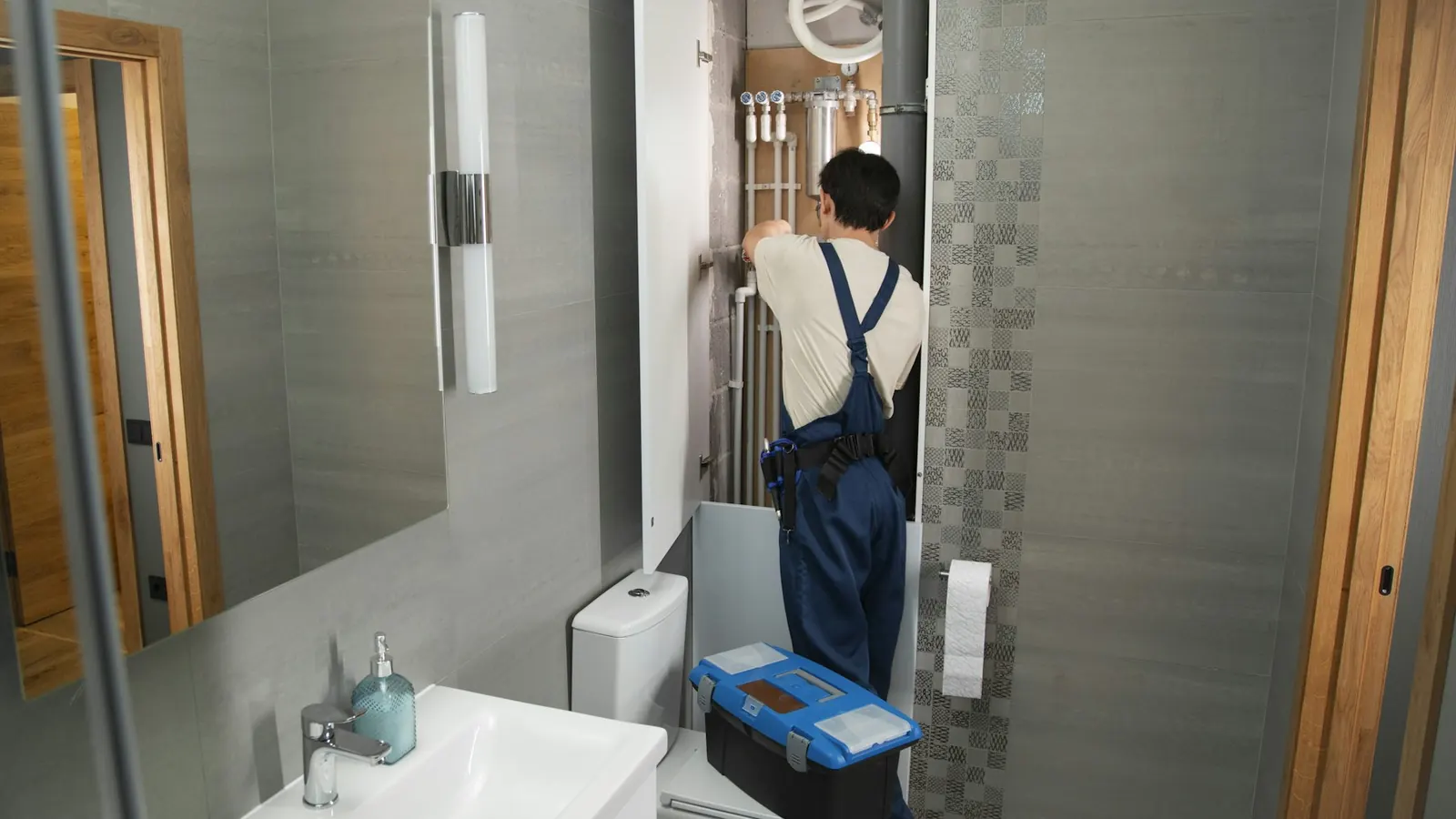
A burst pipe at 2 a.m. produces a short search. Someone types emergency plumber or plumber near me on a phone, looks at the map, and calls one of the first businesses that looks open. Plumbing SEO is mostly about being in that first screen and picking up when the phone rings.
Most of the sites we work on are roofing, pool deck, lawn and shutter companies. This is the same method, applied to how plumbing searches work. Results we mention come from those trades.
The map pack carries emergency searches
For urgent local searches, Google usually shows the map pack (three businesses next to a map) above the regular results.
The map pack runs on your Google Business Profile, so the settings matter:
- Primary category. Choose Plumber. Add secondary categories only for work you do.
- Hours. Set them to when someone answers. Add special hours for holidays.
- 24/7. Mark yourself open 24 hours only if a person picks up at 2 a.m. A caller who hits voicemail calls the next listing.
- Service areas. Up to 20, set by city or ZIP, within about 2 hours' drive of your base. If customers don't come to your shop, remove the street address from the profile.
- Name. Your real business name. Adding "Emergency Drain Repair" to it breaks Google's rules and can get the profile suspended.
Make the website answerable at 2 a.m.
When someone clicks through to the site, they want a number they can tap. Put a click-to-call number (a tel: link) in the header of every page, so it's the first thing visible on a phone. If you do emergency work, say so near the top, along with the towns you cover after hours. If you don't, say when you open.
Then test it at night. Open the site on your phone, tap the number, and make sure it rings a phone someone actually answers after hours.
One service page per job
People search the job. drain cleaning, water heater replacement and sewer line repair are different searches from different homeowners, and a single "Services" page that lists everything gives Google little to rank for any one of them. Build a page for each job you want more of:
| Page | What it should answer |
|---|---|
| Drain cleaning | Which drains, the methods you use, when a clog is an emergency |
| Water heater repair | Tank and tankless, brands you service, signs it needs replacing |
| Water heater replacement | Sizes, gas or electric, what the install involves |
| Leak detection | How you find hidden leaks, slab leaks if you handle them |
| Sewer line | Camera inspection, repair or replacement options |
| Repiping | Materials, how long a typical house takes |
Each page needs its own title tag naming the job and your main town, a tap-to-call button, photos of your own work, and the questions customers ask you on the phone.
Town pages, built properly
A page for each town you work in can help you show up for plumber [town] searches. The catch is Google's doorway abuse policy: near-identical pages with the town name swapped out are treated as spam. Each town page needs something true about that town, such as jobs you've done there, the age of the housing and the problems it brings, and how fast you get there.
On a Florida roofing site we work on, replacing one county page with a real service page per town was one of four changes made while average position moved from 47.9 to 14.9 (October 2025 to August 2026, compared with the eleven months before). The full numbers are on our roofing SEO page.
Plumber schema
schema.org has a Plumber type. Add it to the homepage as JSON-LD with your business name, phone, hours, service area and URL, all matching the Business Profile word for word. Add Service markup to each service page. Schema helps Google confirm who you are and where you work. Don't expect it to move rankings on its own.
Track the calls before judging anything
For a plumber, a ranking only matters once the phone rings. Rankings without call tracking tell you very little, so set up tracking first:
- Website phone taps as a GA4 key event. We covered the setup in the three events every local business should track.
- Calls from the Business Profile, which show in the profile's performance view.
- Form submissions, tested by hand every month. In July 2026 we found a client's form submissions had been dropping since March because of an email setting. Four months, and nobody noticed, us included.
Where to start
Work in this order: Business Profile first, then the click-to-call header and true hours, then service pages for your three highest-value jobs, then town pages, then schema. If you want someone to check all of it, the Site Audit on our pricing page is the place to start, or send us your site address and we'll reply the same business day.
Frequently asked questions
How does a plumber get into the Google map pack?
Start with a complete Google Business Profile: the right primary category, true hours, service areas set by city or ZIP, and your real business name. Then back it up with a website that has a page for each job and each town you serve.
Should a plumber list 24/7 service on Google?
Only if a person answers the phone at 2 a.m. A caller who reaches voicemail calls the next listing. Set your hours to what is true and use special hours for holidays.
What schema should a plumbing website use?
Use the schema.org Plumber type on the homepage with your name, phone, hours and service area, matching your Business Profile exactly. Add Service markup on each service page.