Solar company SEO in 2026: rewriting the pages the tax credit used to sell
For years, solar websites were built around the 30% federal tax credit for homeowners. That credit ended for systems placed in service after December 31, 2025, and plenty of sites still advertise it. What to fix first, the pages homeowners search for now, and how to compete with the lead sellers.
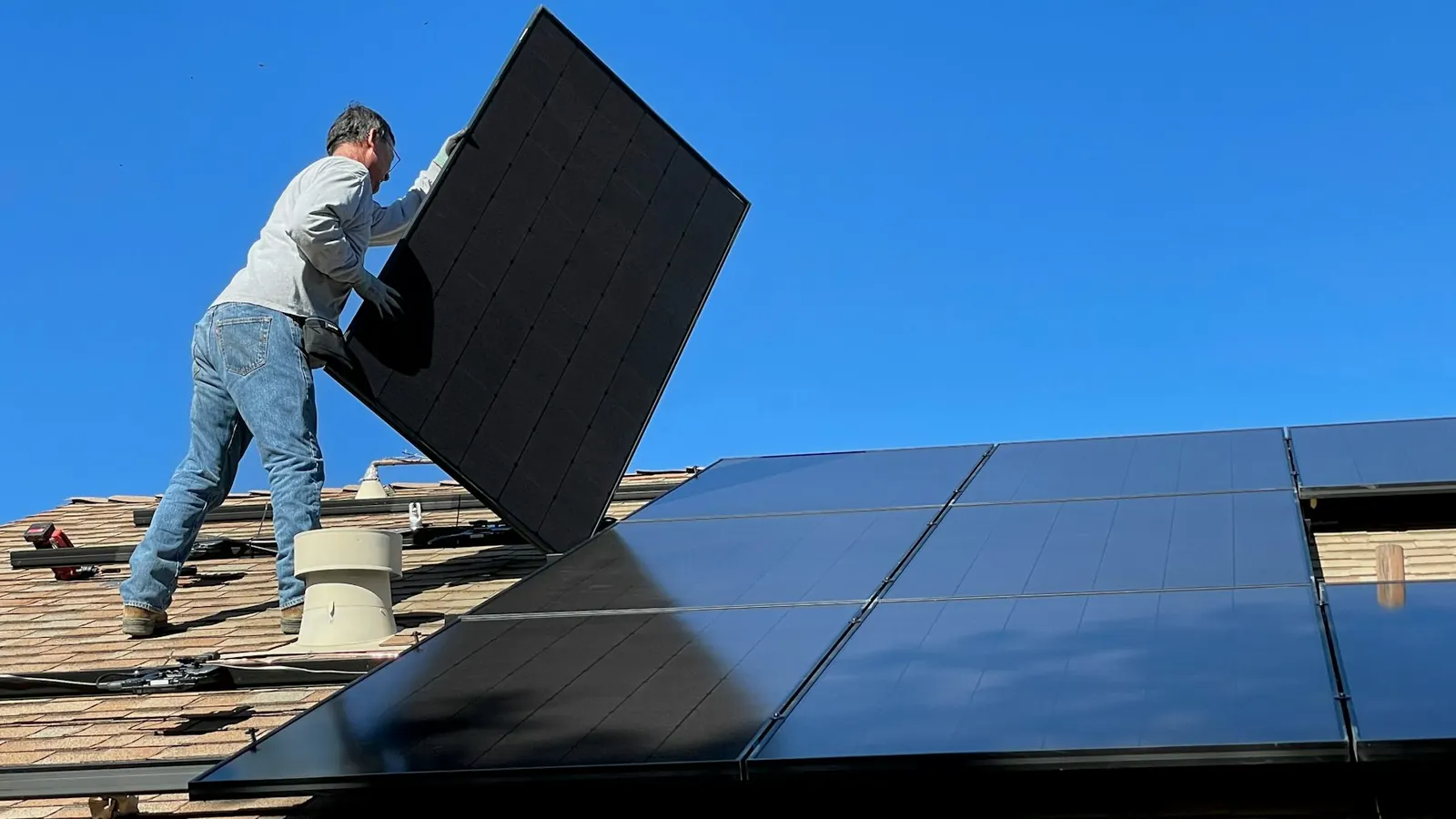
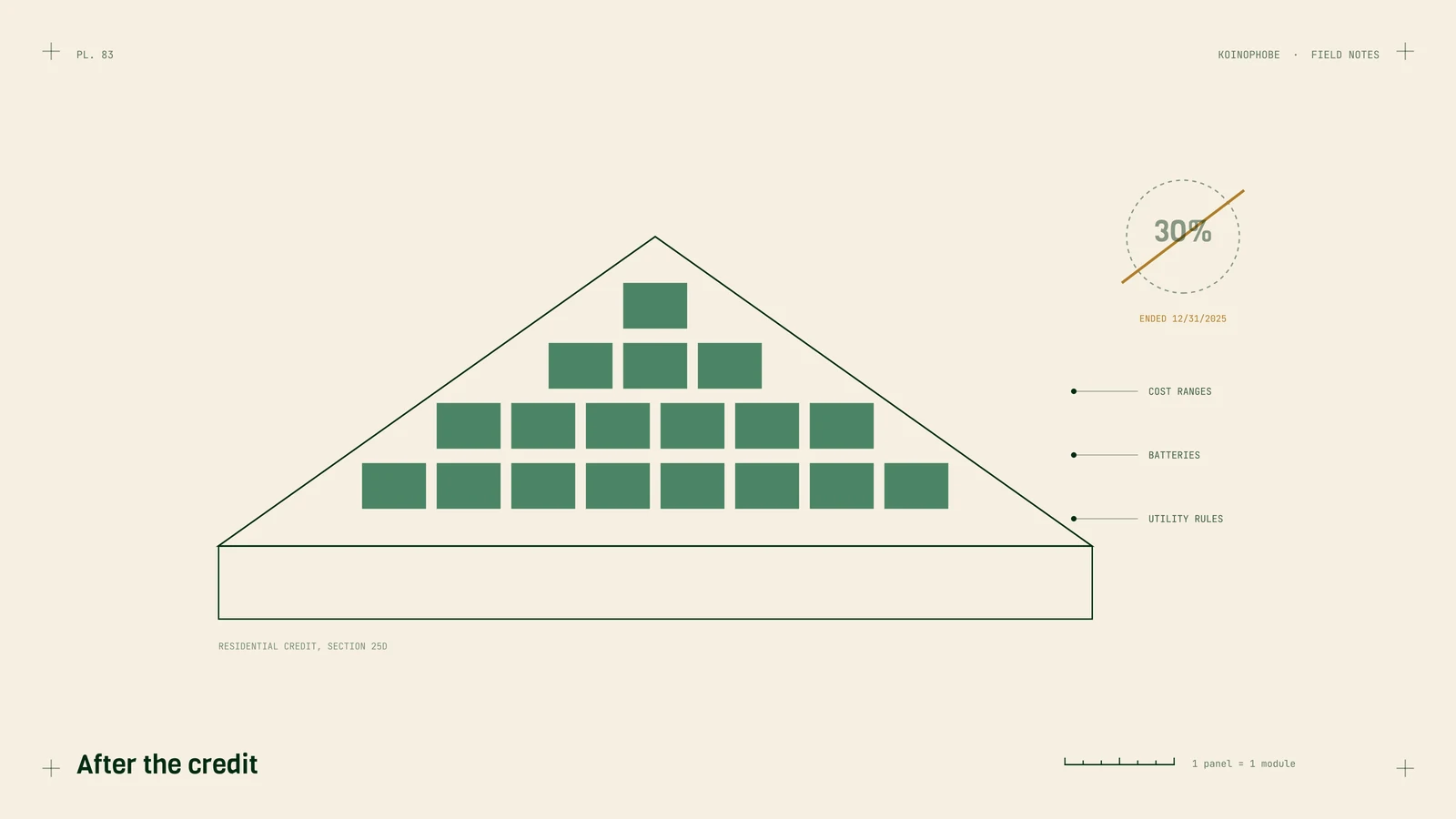
For most of the last decade, residential solar websites had one headline: a 30% federal tax credit. The One Big Beautiful Bill Act, signed July 4, 2025, ended that credit (Section 25D of the tax code) for expenditures made after December 31, 2025, with the timing tied to when installation is complete.
Plenty of solar sites still lead with it. That's the first thing we'd fix, and it changes what the rest of the site needs to say.
Solar isn't a trade we write about from client results; most of our sites are roofing, pool deck, lawn and shutter companies. The search side carries over, and the tax credit change is a matter of public record. We're not a tax advisor, so treat the credit details below as a starting point for a conversation with yours.
Fix the pages that still sell the credit
Search your own site for "tax credit," "30%" and "ITC." Every page that promises homeowners a federal credit on a system installed this year is out of date, and advertising a benefit customers can't get is a trust problem and can be a legal one.
Rewrite those pages around what's true now. If you sell leases or power purchase agreements, the business-side credits work differently and have their own deadlines. Get your tax advisor's read before you publish anything about them, and put the date you last checked on the page.
The pages homeowners search for now
A cost page with real ranges. "How much do solar panels cost" is one of the first things homeowners search. Give price ranges by system size from your recent installs, what moves the price (roof type, panel choice, batteries, electrical upgrades) and what's included.
Purchase, loan, lease or PPA. Explain the options in plain language: who owns the system, who maintains it, what happens when the house sells. Without the residential credit, the numbers between these options have shifted, and homeowners want them laid out.
Batteries and backup power. Some homeowners come to solar mainly for outage protection. Give batteries their own page: what they power, for how long, and what they cost.
Roof condition. Panels last a long time, and a roof that needs replacing in five years should be replaced first. If you work with roofers or do roofing yourself, say so. What a roof replacement page needs covers that side.
Service for existing systems. When installers go out of business, their customers search for someone to fix or monitor the system. A page for repairs, monitoring and inspections catches that.
Town pages built on utility rules
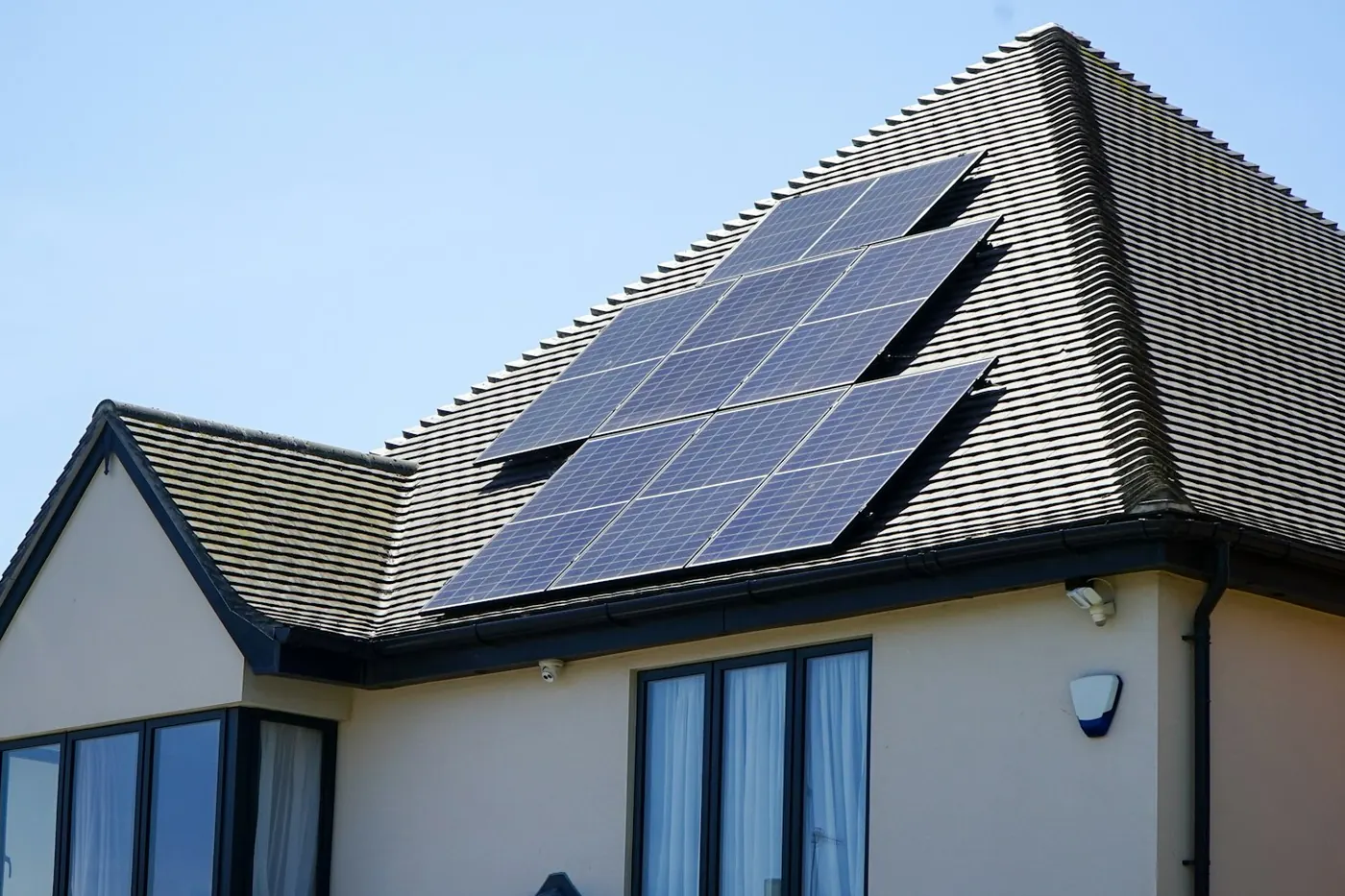
What solar is worth to a homeowner depends heavily on their utility: rates, net metering or net billing rules, interconnection steps. That makes for town pages with real substance. For each utility territory or main town you serve, explain that utility's program, typical timelines for interconnection, and installs you've done there.
That's the opposite of the near-identical town pages Google's doorway abuse policy describes. Service area pages shows the format for roofers, and it carries over.
Competing with lead sellers
National lead sites own a lot of the broad searches, and many installers buy shared leads from them. You can't outspend them on "solar quotes," and you don't need to. They can't show your local installs, your reviews, your crew or your utility knowledge, and they aren't in your town's map pack. Shared leads vs your own website compares what each gets you.
In the map pack, use your most specific Business Profile category, keep the address hidden if customers don't visit you, and set service areas where you install. Choosing categories and service area businesses cover both.
Reviews and tracking
Ask every customer for a review after the system is switched on, the same way each time, with no incentive attached; Google prohibits them. Solar is a long sale, so track every lead source: form fills, calls and consultation bookings as GA4 key events, with Business Profile calls counted separately. Call tracking for contractors shows how.
Where to start
Search your site for every mention of the tax credit and fix those pages this week. Then build the cost page and the battery page. If you'd like help with the site, our plans and what they include are on the pricing page.
Frequently asked questions
Is the 30% solar tax credit still available for homeowners in 2026?
The residential clean energy credit (Section 25D) was ended by the One Big Beautiful Bill Act for expenditures after December 31, 2025, and the timing is tied to when installation is complete. Leased systems and power purchase agreements fall under different business credits with their own rules. Check current rules with a tax professional before publishing anything about credits.
What pages should a solar company website have?
A cost page with real price ranges, a page explaining how financing, leases and purchases compare, battery and backup power pages, a page for each utility territory or main town you serve with that utility's rules, a page on roof condition and solar, and a service page for existing systems.
How can solar installers compete with lead generation sites on Google?
Lead sites rank for broad national terms. Local installers can win on specifics they can't fake: photos and details of local installs, the utility's actual rules, real reviews, and a Business Profile in the map pack. Pages about towns and utilities where you work beat thin national pages over time.