Google Business Profile categories: how to pick the primary and the rest
The primary category on your Google Business Profile does more for your map rankings than almost any other setting, and most owners pick it once and forget it. How to choose it, which additional categories to add, and how to check what competitors use.

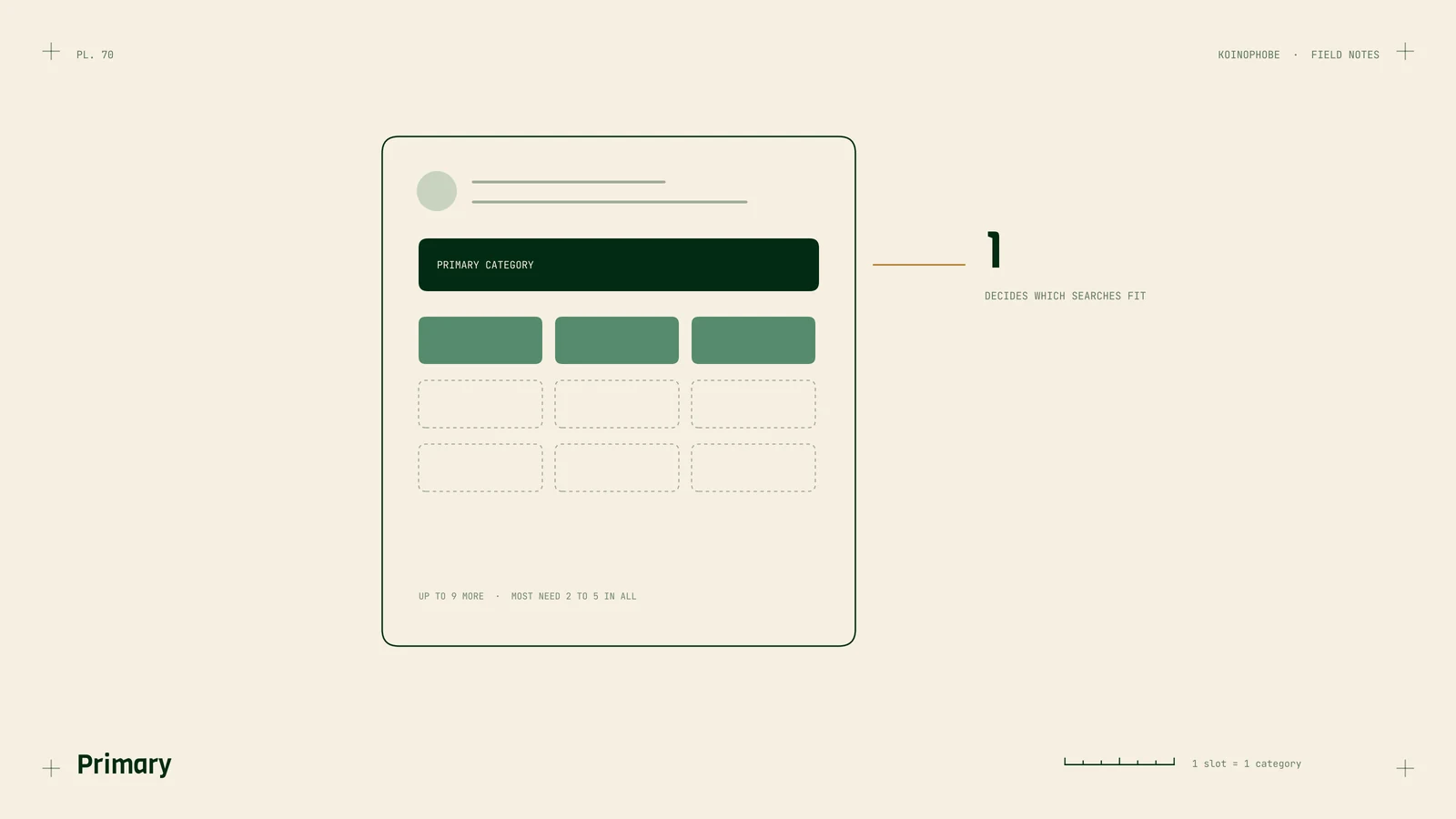
Of all the settings on a Google Business Profile, the primary category is the one we'd check first. It tells Google what kind of business you are, and that decides which searches your profile can show up for. A roofer listed as "Contractor" competes for a vague set of searches. Listed as "Roofing contractor," it competes for the ones that bring roof jobs.
Local SEO practitioners agree on this more than on most things. In Whitespark's Local Search Ranking Factors survey, the primary category comes out as the most important factor for the map pack.
How categories work
You get one primary category and up to nine additional ones. You pick them from Google's list; you can't type your own. Google's guidelines ask you to use the fewest categories that describe your core business, and not to use categories as keywords or to list services.
The primary category carries the most weight. Additional categories tell Google you're also relevant for other kinds of searches. They help, just less.
Choosing the primary category
Pick the most specific category that describes the work most of your revenue comes from.
- A roofer who also does gutters: Roofing contractor, with gutters as an additional category.
- An HVAC company: HVAC contractor, or Air conditioning contractor if most calls are for cooling.
- A kitchen and bath remodeler: Kitchen remodeler or Bathroom remodeler, whichever brings in more of the revenue, with the other one and Remodeler as additional categories. The rest of the setup is on our home remodeling SEO page.
- A cleaning company: House cleaning service if you mainly clean homes, Commercial cleaning service if you mainly clean offices.
- A general auto shop: Auto repair shop, with Brake shop or Oil change service as additional categories if you do enough of that work.
If two categories fit, search for your main service in your town and look at what the top three map results use as their primary. That's a strong hint about what Google associates with the search.

Adding the rest
Add a category only if you do that work and want those calls. Each one should match a real service with a page on your website. A pool deck company that adds "Swimming pool contractor" when it doesn't build pools will get calls it can't take.
Most local businesses need two to five categories in total. If you're at nine, check whether some of them describe services rather than business types. Services belong in the Services section of the profile.
How to see what competitors use
The primary category shows under the business name in Google Maps and in the search results panel. Additional categories don't show publicly, but local SEO browser extensions and rank tracking tools can read them from the page.
Look at the top three businesses for your main search in two or three towns you serve. Our near-me search data shows how much the results change with where the searcher stands. If they all share a primary category you don't use, that's worth testing.
Changing categories
Category changes can send a profile for review or trigger a new verification step, so change one thing at a time and wait a few weeks before judging the result. If your work is seasonal, some practitioners switch the primary category with the season, such as an HVAC company moving between air conditioning and heating. That works best when both categories are true all year.
Also check for new categories every few months. Google adds them, and a better fit for your business may not have existed when you set the profile up.
Where to start
Open your profile, read your primary category, and search your main service in your home town. If the top three use something different, look closely at why. Our Business Profile setup guide covers the other settings, and service area businesses on Google covers the address and service areas. If you'd like the profile handled as part of a plan, see the Growth plan on our pricing page.
Frequently asked questions
How many categories can a Google Business Profile have?
One primary category and up to nine additional categories. Google's guidelines ask you to use the fewest categories that describe your core business, so most local businesses need two to five in total.
Does the primary category affect Google Maps ranking?
Yes. In Whitespark's Local Search Ranking Factors survey, local SEO practitioners rank the primary category as the single most important factor for the map pack. It tells Google which searches your profile is relevant for.
How can I see a competitor's Google Business Profile categories?
The primary category shows under the business name on Google Maps. Additional categories aren't shown to the public, but browser extensions and local SEO tools can read them from the page.