Before and after photos SEO: why your project gallery ranks for nothing
Before and after photos SEO for contractors: why a text-free gallery ranks for nothing, and how to put each pair on the service and town pages that sell.
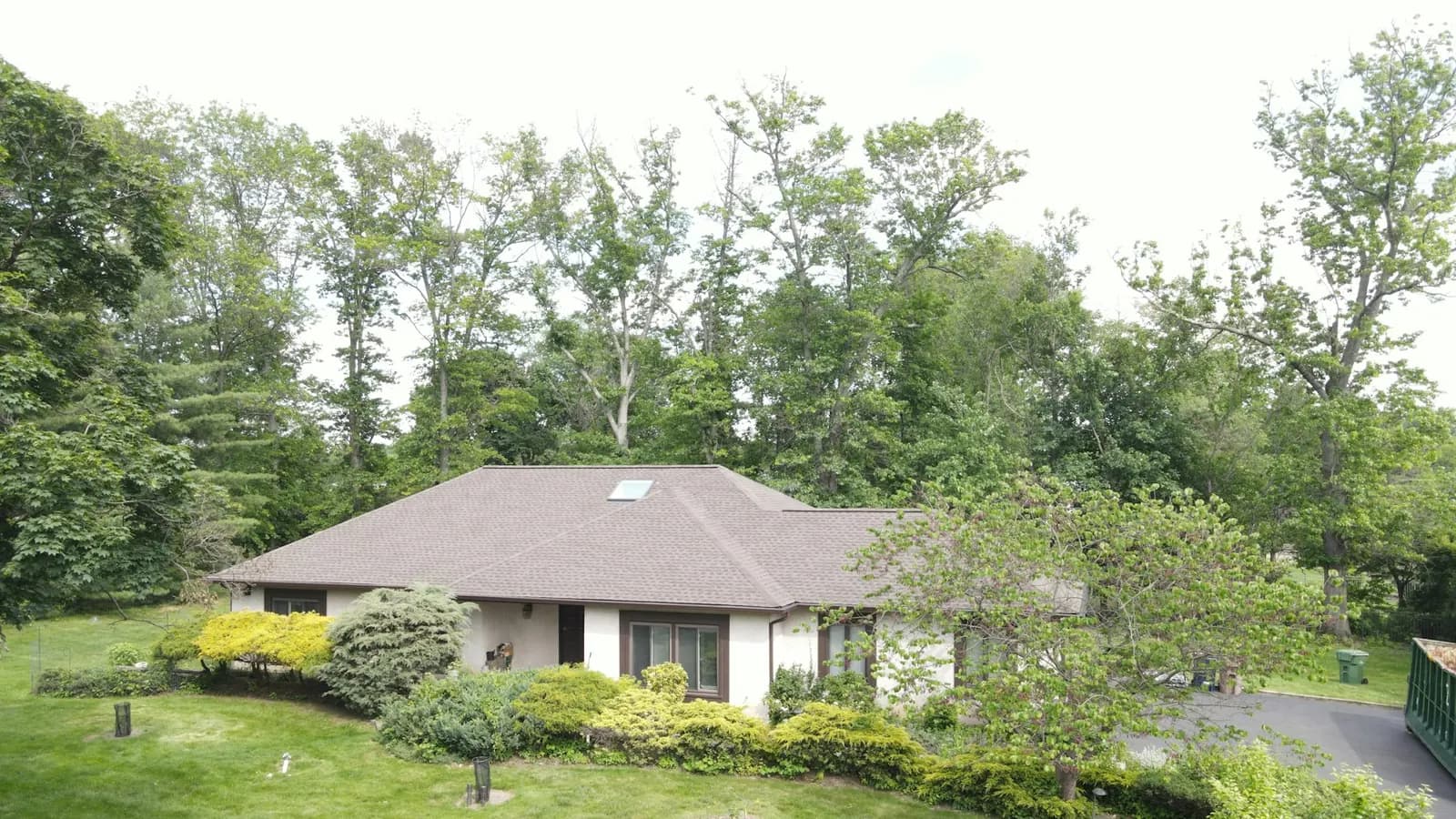
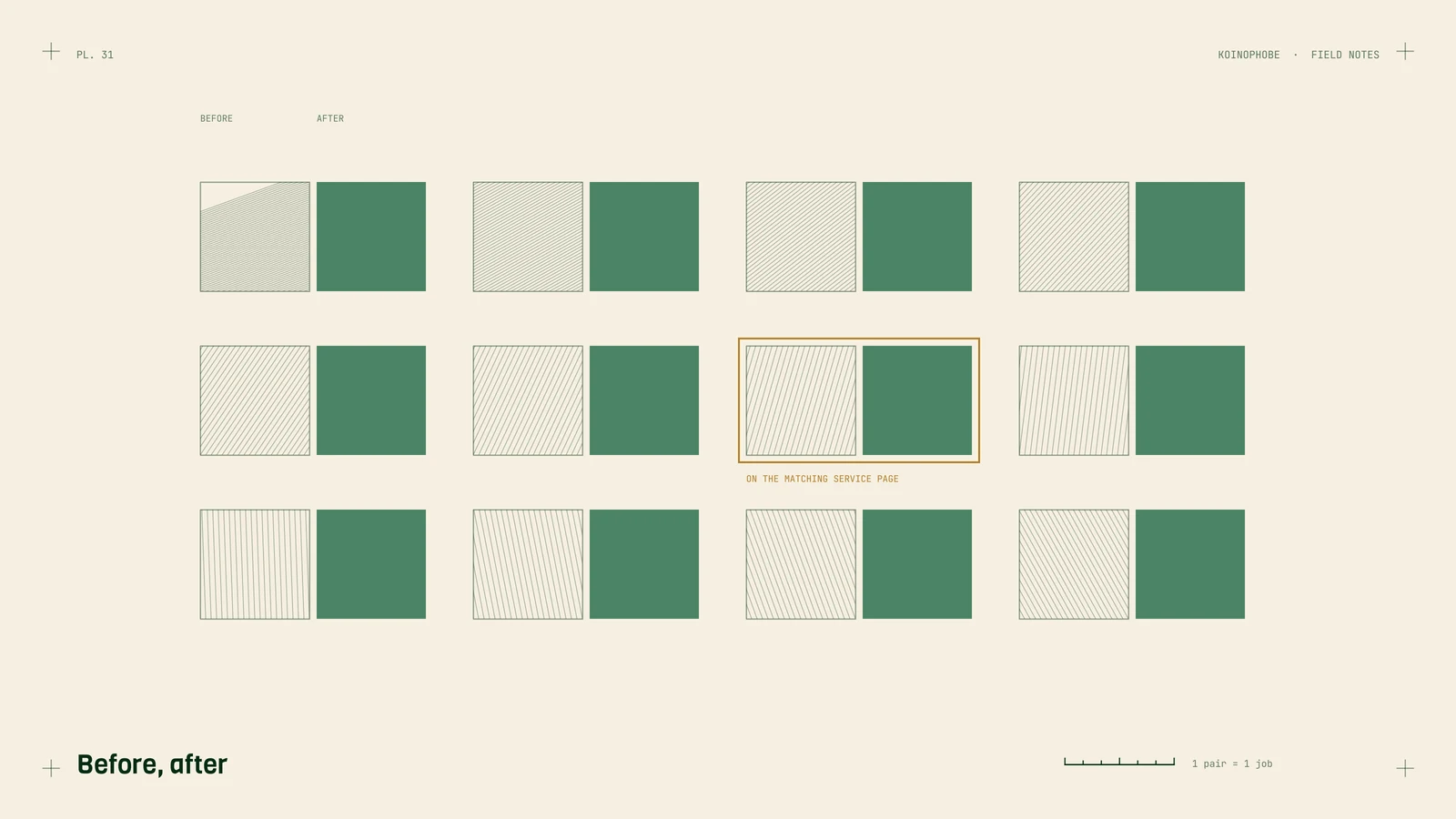
A lot of contractor sites have a "Gallery" or "Our Work" page: a grid of photos with no captions and file names straight off the phone. It looks fine to a visitor. To Google, it's a page with almost no words, and a page with no words has nothing to rank for.
The photos are some of the best proof you have. The fix is to move them to where they can do work.
Why a gallery page doesn't rank
Google matches pages to searches mostly through text: the title tag, headings, body copy, file names and alt text. A homeowner searching paver patio before and after [town] or roof replacement [town] needs a page that says those things. A grid of IMG_4512.jpg files says none of them.
Big image files cause a second problem. Dozens of full-size photos make the page heavy on a phone, and if the first big photo loads slowly it drags out Largest Contentful Paint, which Google wants at 2.5 seconds or less. We covered the thresholds in Core Web Vitals for contractor websites.
Put each pair on the page it proves
Take each before and after pair and place it on the matching service page, and on the matching town page if you have one. A tile roof replacement in one town belongs on your roof replacement page and on that town's page. Under each pair, write a few lines:
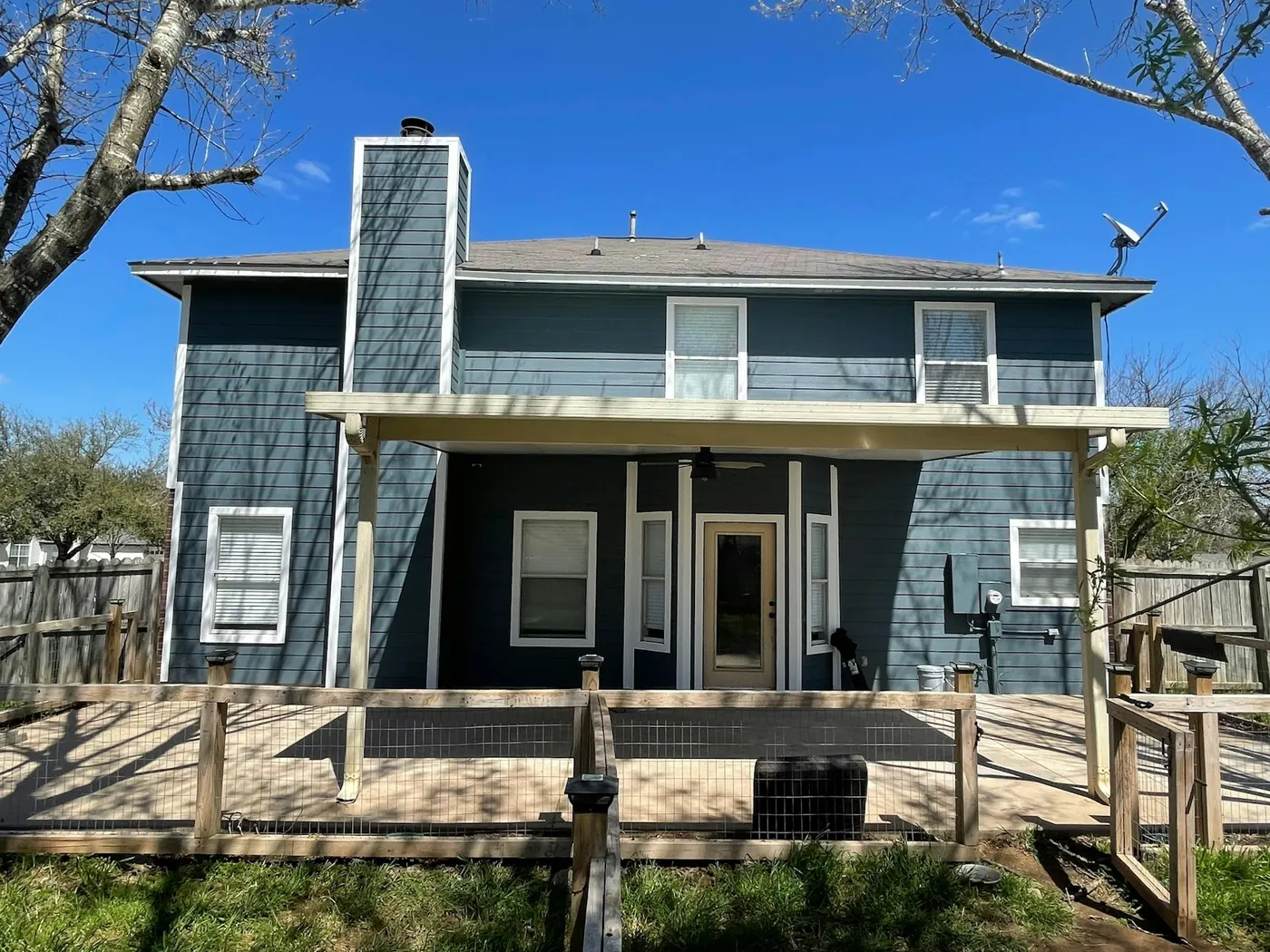
- What: the job, in the words a customer would use.
- Where: the town or neighborhood (no street addresses).
- Materials: product names and colors where they matter.
- How long: days on site, if you know it.
Those few lines give Google something to match and give the reader the detail that makes the photo believable. They also help with Google's doorway abuse policy, which treats near-identical town pages as spam. A real job with photos in that town is the kind of content that sets one town page apart from the next. Our roofing service area pages note goes further into what a town page needs.
You can keep a gallery page if you like it. Link each photo to the service page it belongs to, so the gallery becomes a way in.
Remodelers get the most out of this, because a finished kitchen or bathroom is most of the sales pitch. On home remodeling SEO We lay out how each finished job becomes a project page of its own.
File names, alt text and size
File names. Rename before uploading. Use the job, the town and the stage, in lowercase with hyphens: roof-replacement-[town]-before.webp, roof-replacement-[town]-after.webp.
Alt text. One plain sentence describing what's in the photo, written for someone who can't see it. "Worn asphalt shingle roof before replacement" is enough. Don't stuff it with keywords.
Size and format. Resize to about 1200 pixels wide and convert to WebP with compression. On our own site, photos went from about 3 MB JPEGs to WebP files of 93 to 200 KB at 1200 pixels. Our image optimization guide has the steps.
In July 2026 we did this for a roofing client: took their job photos, compressed them, renamed them, added metadata, converted them to WebP, built a flat roof repair page around them and linked it with the main services page. That build is written up in how we built a flat roof service page.
Add them to your Business Profile
Upload the same before and after photos to your Google Business Profile, a few at a time as jobs finish. Profile photos show in the map results and in Google Maps. Our Business Profile setup for roofers covers the rest of the profile, and the settings apply to most trades.
A simple habit for the crew
The hard part is getting the photos at all. Ask whoever runs the job to take one photo from the same spot before work starts and one when it's done, and to text both to the office with the town and job type. That's enough for the office to rename them, write the few lines, and place them on the right page each week.
Next step
Open your gallery page and count how many photos have a descriptive file name and alt text. Then pick your five best pairs and move them onto service pages this week. If you'd like a second opinion on which pages should get them, send us your site along with a link to your gallery.
Frequently asked questions
Do before and after photos help a contractor website rank?
They help when they sit on the right page with text around them. A gallery of photos with no words gives Google almost nothing to match to a search.
What should I name before and after photo files?
Describe the job, the town and the stage, in lowercase words joined by hyphens, such as roof-replacement-[town]-before.webp. Camera names like IMG_4512.jpg tell Google nothing.
What size should project photos be on a website?
Resize to about 1200 pixels wide and convert to compressed WebP. Our own site photos went from about 3 MB JPEGs to WebP files of 93 to 200 KB.