Are GPTBot, ClaudeBot and PerplexityBot crawling your site? How to check
Your robots.txt can allow every AI crawler and they still might not come. How to find GPTBot, ClaudeBot, PerplexityBot and the rest in your logs, which pages they read, how to tell a real bot from a fake one, and what a visit does and doesn't mean.
The short answer: you check your server logs, not Google Analytics. Search the access logs for the AI crawlers' user agents, see which pages they asked for and what status code they got, then confirm the busy ones are real by checking their IP addresses. That takes about 20 minutes the first time.
Allowing a crawler in robots.txt is permission. It isn't a visit. I covered the permission side in can ChatGPT read your site?. This note is the other half: whether they actually came, and what they read.
Why GA4 won't show you
GA4 counts a visit when its JavaScript runs in a browser. Crawlers don't run it. So a site can be read by GPTBot a thousand times a month and GA4 will show zero. What GA4 can show is people clicking through from ChatGPT, Perplexity or Copilot; tracking ChatGPT traffic in GA4 covers that. The bot visits only exist in your logs.
The user agents to search for
| Company | User agent | What it's for |
|---|---|---|
| OpenAI | GPTBot | Collecting pages for training |
| OpenAI | OAI-SearchBot | Building the index ChatGPT search draws on |
| OpenAI | ChatGPT-User | Fetching a page because a person in ChatGPT asked something |
| Anthropic | ClaudeBot | Collecting pages for training |
| Anthropic | Claude-SearchBot | Building Claude's search index |
| Anthropic | Claude-User | Fetching a page during a person's conversation |
| Perplexity | PerplexityBot | Building Perplexity's index |
| Perplexity | Perplexity-User | Fetching a page for a person's question |
| Microsoft | bingbot | Bing's index, which Copilot draws on |
| Googlebot | Google's index, which AI Overviews and AI Mode draw on |
Two names you won't find: Google-Extended and Applebot-Extended. Those are robots.txt switches, not separate crawlers, so they never show up in a log.
The "User" agents matter most. A training crawler reading your pricing page tells you very little. ChatGPT-User or Claude-User fetching it means a real person's question led an assistant to your page.
Where to find the logs
Shared hosting with cPanel: look for Raw Access or Access Logs. Download the file and open it in a text editor or a spreadsheet.
Cloudflare in front of the site: Cloudflare has a dashboard for AI crawlers that lists each bot and how often it visits, without you touching a log file.
WordPress on managed hosting: most managed hosts keep access logs in the hosting dashboard, sometimes under a support request. Ask for 30 days.
Vercel, Netlify and similar: the request logs live in the project dashboard, usually with a short retention window, so check them soon after a change rather than months later.
Then search the file for each user agent name. A plain text search for "GPTBot" or "ClaudeBot" is enough to start.
What to look at once you find them
Which pages. List the URLs each bot requested. If they read your blog and never touch your service pages, pricing or contact page, those pages may be hard to reach: not linked from the menu, or buried four clicks deep.
The status code. A 200 means the bot got the page. A 403 or 429 means something blocked it, often a firewall or a security plugin rather than robots.txt. A 301 chain means it spent its visit on redirects.
How much text it got. This is the "can it parse the page" question. Most AI crawlers fetch the HTML and don't run JavaScript. Run this in a terminal to see what they get:
curl -A "GPTBot" https://yoursite.com/your-service-page
If the sentence you care about, the price, the towns you cover, the guarantee, isn't in that output, the bot didn't read it either. In my September 2026 study, 94.9% of the pages AI assistants cited had their body text in the raw HTML.
The same command tells you whether your server or firewall blocks that user agent. If you get a 403 back while a normal browser loads fine, that's your answer.
Spotting fake bots
Anyone can put "GPTBot" in a user agent; scrapers do it all the time to get past filters. OpenAI and Perplexity publish the IP ranges their crawlers use. Google and Bing can be checked with a reverse DNS lookup: a real Googlebot IP resolves to a googlebot.com or google.com host. If a visit claims to be one of these bots and the IP doesn't match, it's a fake, and you can block it without hurting anything.
A note from my own setup
My site blocks visitors from most countries. Real crawlers come from all over, though, and Google also crawls from outside the US. So the block lets every search and AI crawler through by user agent before it checks the country. Without that, a crawl from the wrong country gets a 403, and pages drop out of the index. If you run any kind of geo-block or bot filter, check it treats these user agents the same way.
What a visit does and doesn't mean
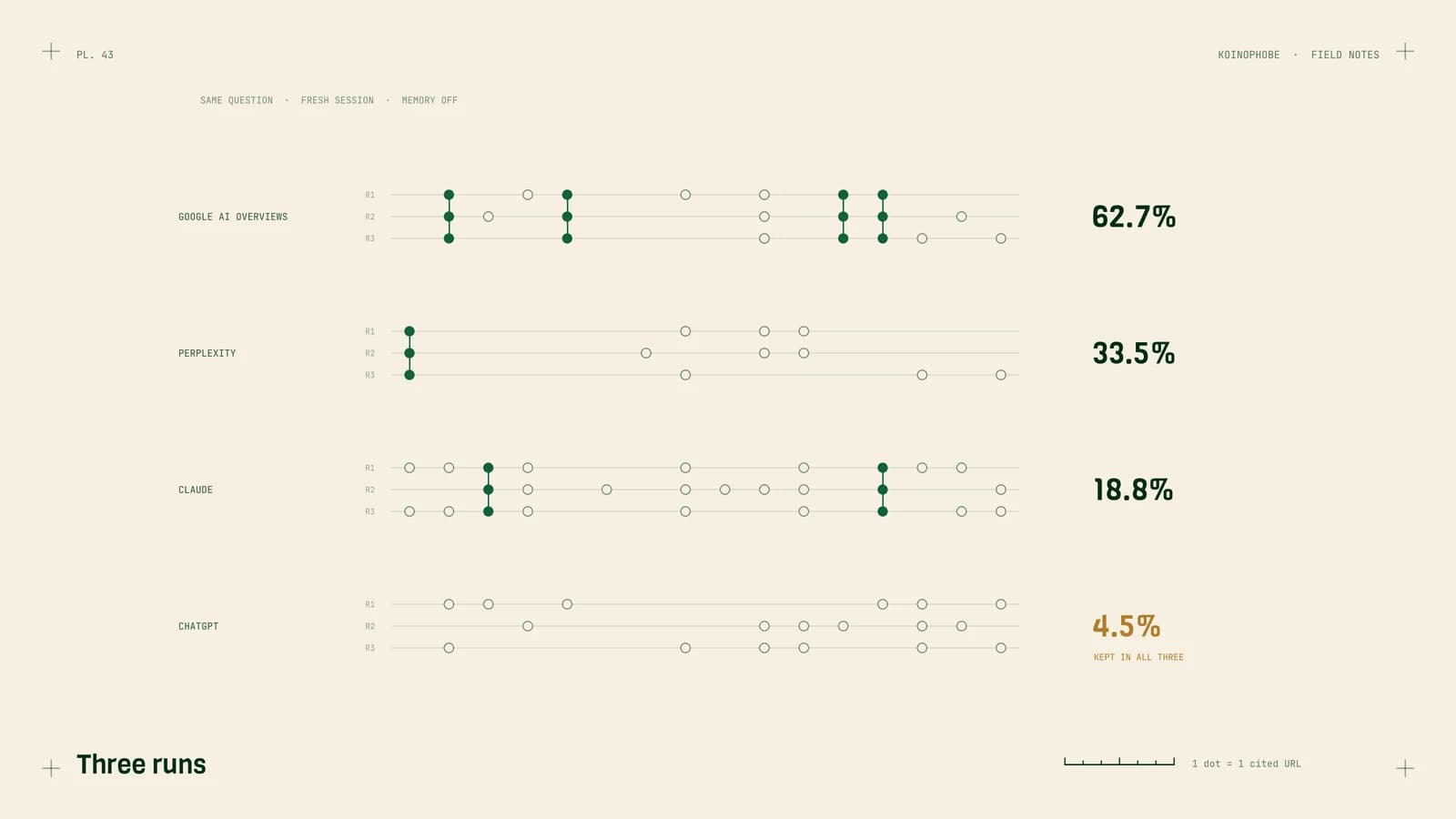
A crawl isn't a citation. GPTBot reading a page doesn't mean ChatGPT will mention you; it means the page is available. To see whether assistants actually name you, ask them, the same questions, several times, and record the answers. How to track AI search visibility sets that up.
If you'd rather not dig through logs, my AI search optimization service does this check as part of the monthly work. It's a $300-a-month add-on to the SEO plan.
Frequently asked questions
How do I know if GPTBot, ClaudeBot or PerplexityBot are crawling my site?
Look in your server or CDN access logs for their user agents: GPTBot, OAI-SearchBot and ChatGPT-User for OpenAI; ClaudeBot, Claude-SearchBot and Claude-User for Anthropic; PerplexityBot and Perplexity-User for Perplexity. Google Analytics won't show them, because crawlers don't run the analytics script.
Can I see AI crawlers in Google Analytics?
No. GA4 only records visits that run its JavaScript, and crawlers don't. GA4 can show people who click through from ChatGPT or Perplexity, but the bot visits themselves only show up in server or CDN logs.
What does it mean if ChatGPT-User visits my page?
ChatGPT-User fetches a page when a person in ChatGPT asks something that leads it to your site. It's the closest thing to a sign that a real conversation touched your page. GPTBot, by contrast, collects pages for training, and OAI-SearchBot builds the index ChatGPT search draws on.
How do I tell a real AI crawler from a fake one?
Anyone can copy a user agent. OpenAI and Perplexity publish the IP ranges their crawlers use, and Google and Bing can be checked with a reverse DNS lookup. If a visit claims to be one of these bots and the IP doesn't match, treat it as a fake.