Crawled, currently not indexed: what it means and how to fix it
Google visited these pages and decided not to keep them. How to sort the URLs in this Search Console status into the ones that matter and the ones that don't, the usual reasons, and what to change before asking Google to look again.

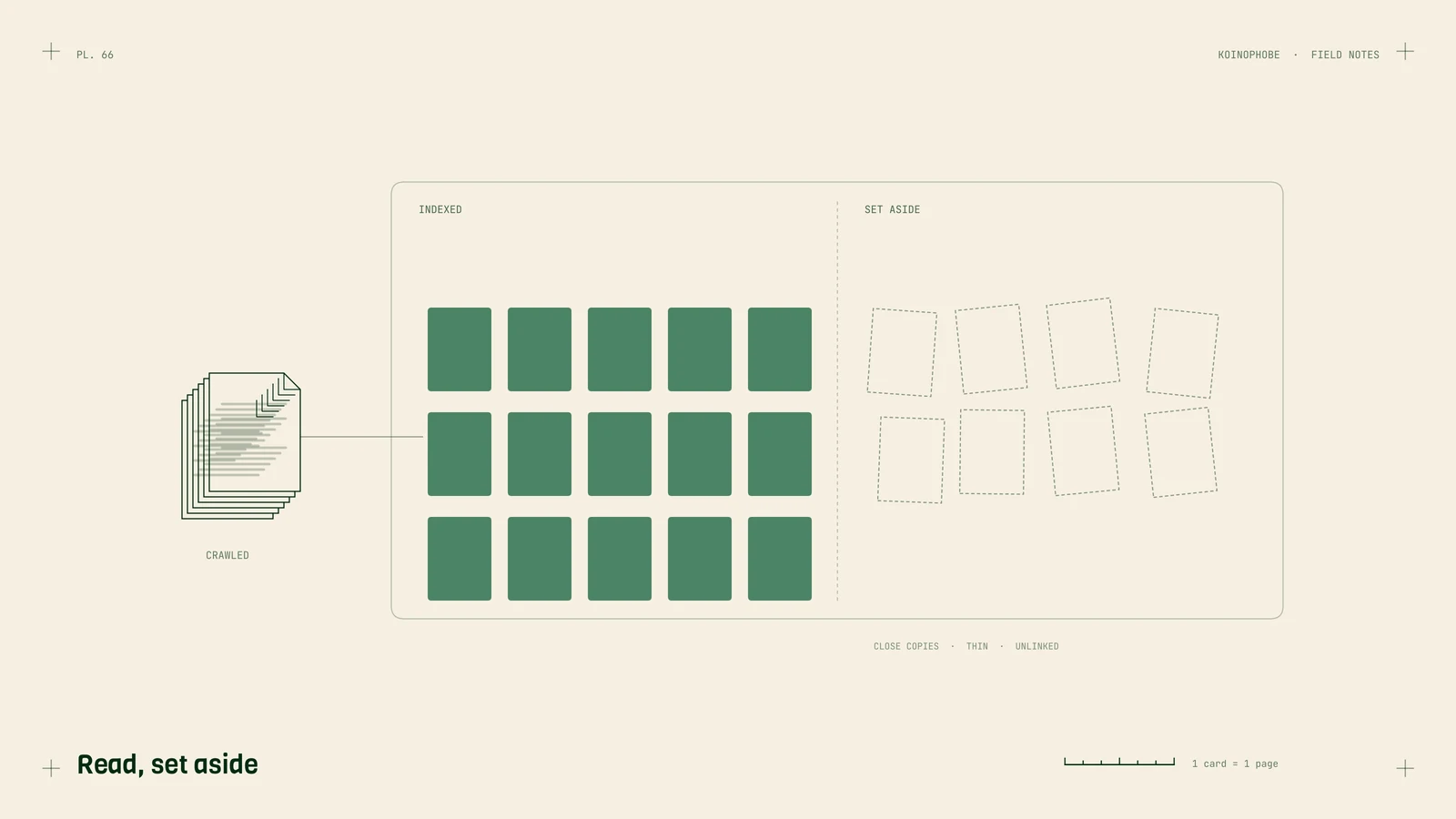
"Crawled, currently not indexed" is one of the most common reasons in Search Console's Page indexing report, and one of the most misread. Google visited the page, read it, and chose not to keep it. Nothing is broken in the technical sense. Google's own help text says the page "may or may not be indexed in the future" and that there's "no need to resubmit this URL for crawling."
So the job is to give Google a reason to keep the page. Another crawl on its own changes nothing.
First, sort the list
Open Search Console, go to Indexing, Pages, click Crawled, currently not indexed, and export the URLs. Then put each one in one of two piles.
Pages nobody needs to find. RSS feeds, tag and author archives, ?sort= and ?utm= versions, page 7 of a blog index, old test pages. Google skipping these is fine. If you don't want them crawled at all, remove the internal links to them or mark them noindex, and move on.
Pages you want in search. Service pages, product pages, town pages, real articles. These are the ones to work on.
On most small business sites we look at, the second pile is short. On sites that generated a lot of pages from a template, it's long, and that's a signal in itself.
Why Google skips a page it has read
Google doesn't send a reason with this status, so you have to work it out from the page. These are the causes we see most:
- It's close to another page. Twenty town pages with the same text and a different city name, or three blog posts answering the same question. Google keeps one and skips the rest.
- There isn't much on it. A service page with two sentences and a contact form. A product page with the manufacturer's description and nothing else.
- Nothing links to it. A page that only appears in the sitemap looks less important than one linked from your homepage and related pages.
- Google saw less than a visitor sees. If the main content loads with JavaScript and the rendered version is thin, Google judged the thin version.
- The site is new. New domains get fewer pages indexed at first. Martin Splitt said in an August 2024 Search Central video that it's normal for some pages not to be indexed, since Google rarely indexes everything on a site.

What to change, page by page
Check what Google saw. Run the URL Inspection tool on the page, click Test live URL, then View tested page. Read the HTML and the screenshot. If your main content is missing, fix the rendering before anything else. What is technical SEO covers the basics.
Merge near-duplicates. If two pages answer the same question, combine them into the better one and redirect the other with a 301. For town pages, either add something true about each place (jobs you did there, the problems common to that area, how fast you get there) or cut the list down to the towns where you have something to say. Our service area pages note shows what that looks like.
Add what only you can say. Prices or price ranges, photos from your own jobs, the questions customers ask on the phone, how long the work takes. Pages with specifics are harder to call duplicates.
Link to it from pages that get traffic. Add a link from your homepage or a related service page with anchor text that says what the page is.
Then request indexing once. In URL Inspection, click Request indexing. Doing it ten times doesn't help. Then give it days to a few weeks before checking the status again.
When a whole section is stuck
If dozens of URLs from one folder sit in this status, look at the section as a whole. Usually the template is the problem: the pages share most of their text, or they were generated faster than anyone could add substance. Google's spam policies call this scaled content abuse when it's done to manipulate rankings, and even when it isn't, the result looks the same to Google.
The fix is fewer, better pages. Delete or merge the weakest, redirect them to the closest survivor, improve what's left, then request indexing for the pages you kept.
Where to start
Export the list today and sort it into the two piles. Fix the three most important pages first, request indexing for each, and check back in two weeks. If you'd like someone to go through the report with you, our Site Audit covers indexing along with everything else that affects calls, and the Search Console guide explains the rest of the reports.
Frequently asked questions
What does crawled, currently not indexed mean?
Google fetched the page but decided not to add it to its index for now. Google's own description says it may or may not be indexed in the future and that there's no need to resubmit it. Google made a decision about the page; nothing failed to load.
How long does it take to fix crawled, currently not indexed?
After you improve a page and request indexing, expect days to a few weeks before the status changes. If a whole section of a site sits in this status, it can take longer, because Google is reassessing that group of pages together.
Should I worry about crawled, currently not indexed?
Only for pages you want people to find. Feeds, tag archives, filtered URLs and old pagination often land here and can be left alone. If a service page, product page or main article is in the list, that's worth fixing.