Core Web Vitals for contractor websites: what they measure and what to fix
Core Web Vitals for contractor websites in plain terms: the three metrics, Google's good thresholds, where to check them, and what usually slows sites down.

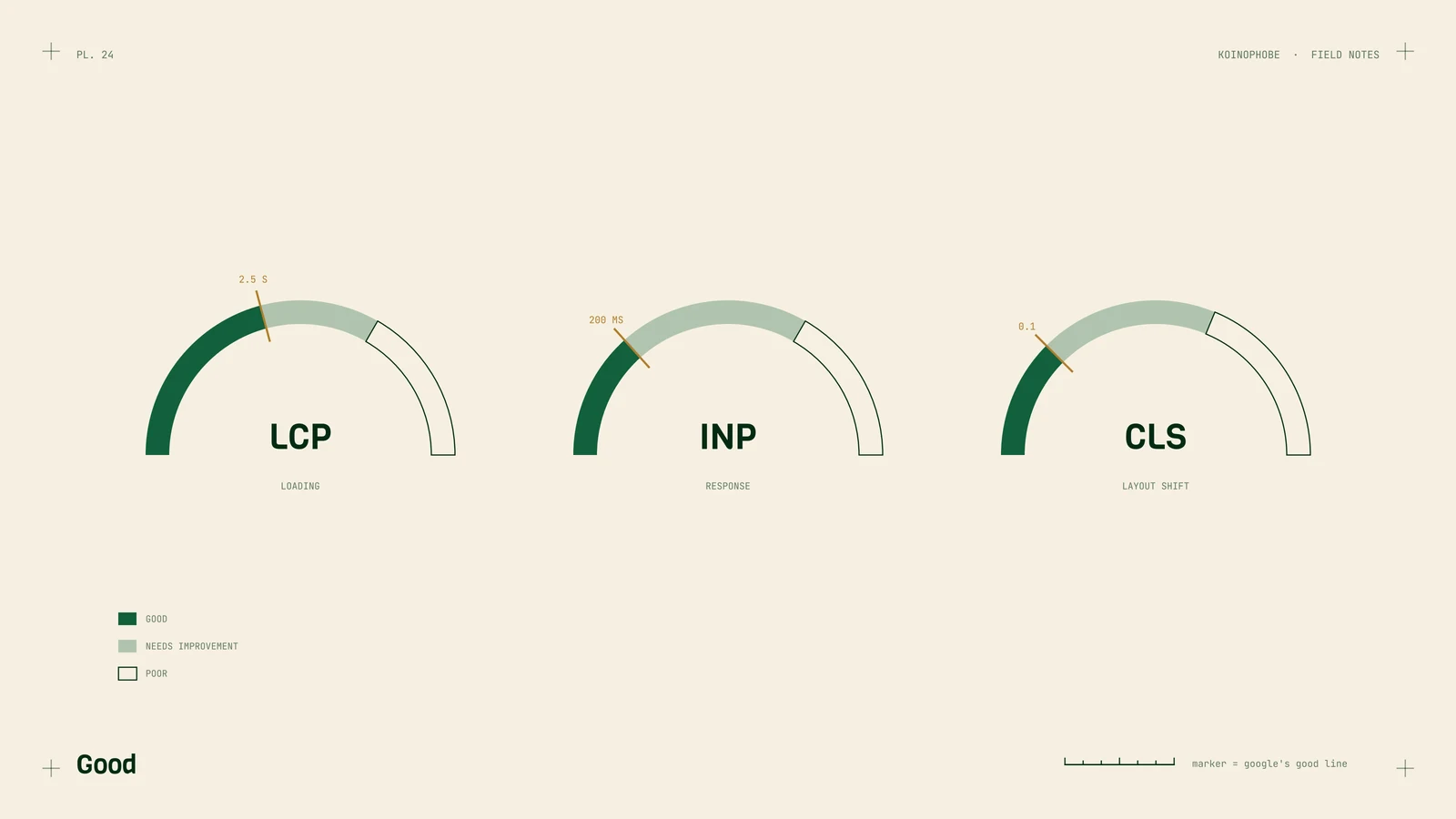
Core Web Vitals are Google's three measurements of how a page feels to use: how fast it loads, how fast it reacts, and how much it jumps around. A lot of people looking for a contractor are searching on a phone, so the mobile numbers are the ones to watch.
The three metrics
| Metric | What it measures | Good |
|---|---|---|
| LCP (Largest Contentful Paint) | Time until the biggest thing on screen appears | 2.5 seconds or less |
| INP (Interaction to Next Paint) | How quickly the page responds after a tap or click | 200 milliseconds or less |
| CLS (Cumulative Layout Shift) | How much the layout moves while loading | 0.1 or less |
INP replaced First Input Delay (FID) in March 2024. If you read an older guide that talks about FID, that part is out of date.
Google judges these at the 75th percentile of real visits. In plain terms, at least three out of four visits need to hit the good mark for the page to pass.
Where to check
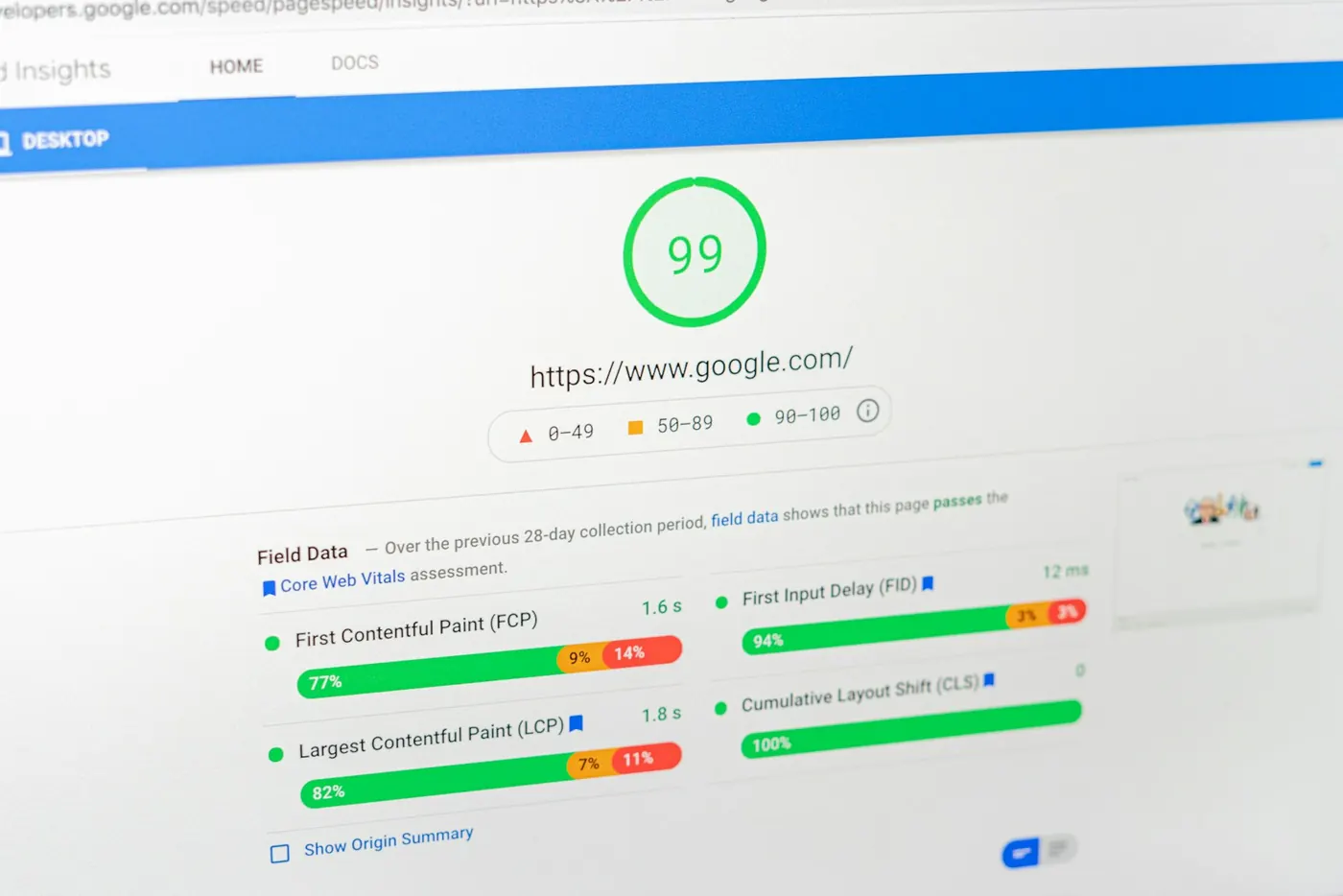
PageSpeed Insights. Enter a URL and you get two kinds of data. The top section, field data, comes from real Chrome users over the past 28 days. That's what Google uses. Below it is lab data, a single simulated test on a throttled phone, plus the 0 to 100 Performance score. Lab data is useful for finding problems. Field data tells you whether real visitors have them. Many small business sites don't get enough traffic for field data, in which case you'll only see the lab test.
Search Console. The Core Web Vitals report groups your URLs into good, needs improvement and poor, separately for mobile and desktop, using the same field data. It also needs enough traffic to show anything. We walk through the rest of Search Console in Google Search Console for contractors.
What usually slows contractor sites down
- Huge hero images. A full-size photo straight off a phone is often the LCP element itself. Resizing and converting to WebP is the cheapest fix; we covered it step by step in how to optimize images for website speed.
- Sliders. A rotating banner loads several large photos and a script to run them, and the first slide often arrives late. One good photo does the same job.
- Chat widgets. These tend to load a lot of JavaScript on every page, which can hurt INP. Some chat tools let you delay loading until after the page is ready.
- Too many plugins. Each plugin can add its own scripts and styles to every page, whether that page uses them or not.
- Animation libraries. Text that fades or slides in on scroll needs a script, and content that appears late can delay LCP and shift the layout.
- Fonts. Several font families in several weights add up. One or two families and only the weights you use is plenty for a contractor site.
Be careful with speed plugins that promise to fix all of this in one click. One setting in a speed plugin stopped a client's contact form from submitting. Test your forms after any change.
What happened on our own site
Our site's mobile PageSpeed score was 52. We removed heavy animation libraries and scripts the site wasn't using, and it went to 96, then 99. Desktop is 100.
That's the lab Performance score, a test run, so it isn't the same as passing Core Web Vitals in field data. It does show where the weight was: in code the site could do without.
How much this matters for rankings
Speed is one signal among many. Google has said it will still show the most relevant page even if its page experience is weaker. A fast site with thin service pages usually won't outrank a slower site that answers the search well. If your pages already pass, shaving another half second off is rarely the best use of your money.
Where speed earns its keep is with the visitor. Someone standing in a driveway, on one bar of signal, looking at a slow page with no phone number in sight, may go back and tap the next result.
So fix the big problems first, usually oversized images and scripts you don't need. Then put the time into your pages and your tracking.
Speed fixes are part of the Setup Sprint on our pricing page. If your site fails Core Web Vitals and you're not sure why, send us the URL and we'll tell you what's weighing it down.
Frequently asked questions
What are good Core Web Vitals scores?
Google rates LCP of 2.5 seconds or less, INP of 200 milliseconds or less and CLS of 0.1 or less as good. They are judged on real visits, at the 75th percentile.
Do Core Web Vitals affect Google rankings?
They are one signal among many. Google says it still shows the most relevant page even when its page experience is weaker, so speed alone won't carry a page. Slow pages still lose visitors.
Why does PageSpeed Insights say there is no field data?
Field data comes from real Chrome users, and smaller sites often don't get enough visits to be included. In that case you only see lab data from a simulated test.