Call tracking software for contractors: when the free setup isn't enough
Free tracking counts taps on your phone number. Paid call tracking counts every call and where it came from. How to tell which one your business needs, and what to set up either way.
There are two ways to count calls from Google, and they cost very different amounts. Most contractors start with the wrong one: either nothing, or a paid tool they set up once and never open.
Here's how to decide.
Level one: free tracking
The free setup counts what you can count without changing your phone number:
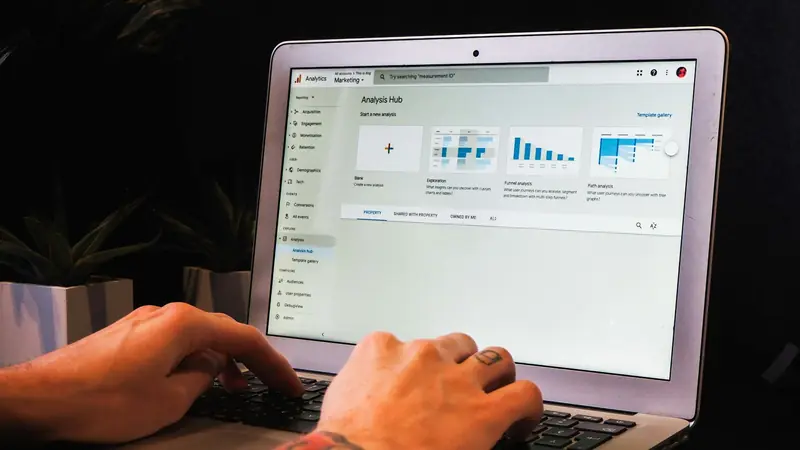
- Taps on your phone number on your website, recorded as an event in GA4 through Google Tag Manager. The GTM phone click guide walks through it.
- Calls from your Business Profile, which Google counts for you under Performance.
- Form submissions, as a second event.
For a contractor whose marketing is mostly Google, this answers the main question: are more people calling from search this month than last?
What it can't see: anyone who reads your number and dials it by hand, anyone who calls from a yard sign or truck, and whether a call was answered.
Level two: call tracking software
Paid call tracking gives each source its own phone number. The website shows one number to visitors from Google, another to visitors from ads, and the Business Profile carries a third. Every call to those numbers is logged with its source, length and outcome.
It earns its cost when:
- You spend on more than one channel. Google Ads, Local Services Ads, Facebook and SEO together. You need to know which made the call.
- Many calls are dialled by hand. Older customers and people on desktop often read the number and type it in. Taps never see them.
- You want to know about missed calls. Software shows calls that rang out. For many contractors, that's the most expensive number they've never seen.
- You review calls for quality. Recordings show how leads are handled, if you have consent to record.
If none of those apply, stay on level one for now.
Setting it up without hurting local SEO
The worry with tracking numbers is that your name, address and phone number stop matching across the web. Handle it like this:
- Business Profile: put the tracking number in the primary phone field and your real number in the additional phone field. Directories that list your real number still match.
- Website: use dynamic number insertion, which swaps the number shown based on where the visitor came from. Your real number stays in the page code and schema.
- Directories and citations: leave your real number everywhere else. Our NAP citations guide explains why consistency matters.
What to look for in a tool
Without naming brands, the features that matter for a contractor:
- Numbers local to your area code. Local numbers get answered and called back more readily than toll-free ones.
- GA4 integration, so calls show up next to forms in the same reports.
- Missed call alerts, by text or email, so someone calls back while the lead is still warm.
- Simple pricing by number and minutes. You probably need three to five numbers, not fifty.
- Recording you can switch off. Some states require every party's consent to record.
Read the numbers every month
Tracking is only worth paying for if someone looks. Add calls by source to your monthly report, next to forms and Business Profile actions, and compare against the same month last year.
Next step
Set up the free level this week if it isn't running. Then check how many calls you got last month in total, from your phone bill or provider. If the free tracking only accounts for a fraction of them, that gap is the case for level two. More on the basics in call tracking for contractors.
Frequently asked questions
Do contractors need paid call tracking software?
Not at first. Free tap-to-call tracking in GA4 plus the calls shown in your Business Profile cover most small contractors. Paid call tracking earns its cost when you run several marketing channels and need to know which one made each call.
Will call tracking numbers hurt my local SEO?
Not if you set them up properly. Use the tracking number as the primary phone on your Business Profile and keep your real number as an additional number, and use dynamic numbers on your website rather than changing the number in your listings.
What does call tracking software record?
Usually the source of the call, the time, the duration, whether it was answered, and optionally a recording. Check your state's call recording consent rules before turning recording on.